
Claude is Anthropic’s AI assistant but calling it a chatbot sells it short. Its real value shows up once you push past simple prompts into actual work: drafting and editing, researching current topics, analyzing files, writing and fixing code, and automating repetitive workflows. The catch is that not every capability is available to everyone. Some Claude features depend on your plan, device, region, or your organization’s settings. What a free user sees isn’t identical to what a Pro, Max, or Enterprise user gets.
This guide breaks down Claude’s core features, who each one suits, and how availability shifts across plans. We’ll also cover pricing, honest limitations, and a few strong alternatives worth comparing before you commit. Before exploring every feature, read our claude ai overview for a quick look at its pricing, use cases, and overall performance.
Quick Answer
Claude features include writing, coding, web research, file analysis, Projects, Artifacts, memory, integrations, and agentic tools such as Claude Code.
Claude Features at a Glance
Here’s the fast overview before we dig into each one. Use it to spot which features matter most for your workflow then check the detail sections below.
| Claude feature | What it does | Best for | Availability to verify |
|---|---|---|---|
| Writing and editing | Drafts, rewrites, summarizes, and changes tone | Writers and marketers | Most plans |
| Web search and research | Finds and synthesizes current information | Researchers | Plan/region dependent |
| File analysis | Reads documents, PDFs, spreadsheets, and data | Analysts and students | Most plans |
| Projects | Organizes chats, instructions, and reference files | Ongoing work | Plan dependent |
| Artifacts | Creates editable or interactive outputs | Creators and developers | Supported accounts |
| Memory | Retains useful context between conversations | Returning users | Rollout/plan dependent |
| Claude Code | Works directly with codebases and development tasks | Developers | Eligible paid plans |
| Skills and integrations | Adds repeatable workflows and connected tools | Professionals and teams | Availability varies |
Editorial note: Feature availability changes frequently. Verify plan access immediately before publication.
Claude Features in Detail
Writing, Editing, and Summarization
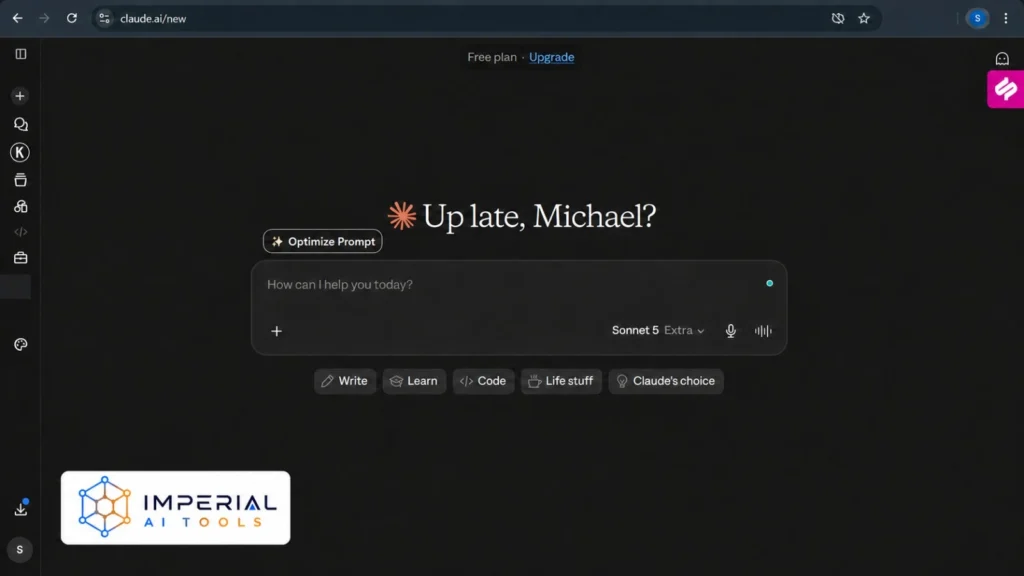
This is where most people start, and it’s still one of Claude’s strongest areas. It handles long-form drafting without losing the thread, rewrites text to shift tone or tighten structure, and condenses long reports into something you can actually skim.
It’s also handy earlier in the process brainstorming angles, building outlines, and holding onto your instructions across a longer task. Among Claude AI features, the writing features tend to feel the most natural, and Anthropic keeps shipping Claude new features that sharpen tone control and consistency.
Web Search and Research
Claude can search the web for current information, pull together multiple sources, and produce research that points back to where it came from. There’s a meaningful difference between a quick lookup and a deeper research workflow: the first answers a question, the second digs across many sources to build something more complete.
Either way, verify high-stakes claims against primary sources. Research tools speed up the work they don’t remove your responsibility to fact-check.
File Upload, Analysis, and Creation
Upload a PDF, text document, spreadsheet, or structured dataset and Claude will read it, pull out key details, and compare information across multiple files. It goes the other direction too creating downloadable spreadsheets, presentations, documents, and PDFs, plus data analysis and simple visualizations.
Just keep file-size and usage limits in mind. Very large files or heavy analysis will eat into your allowance faster.
Claude Projects
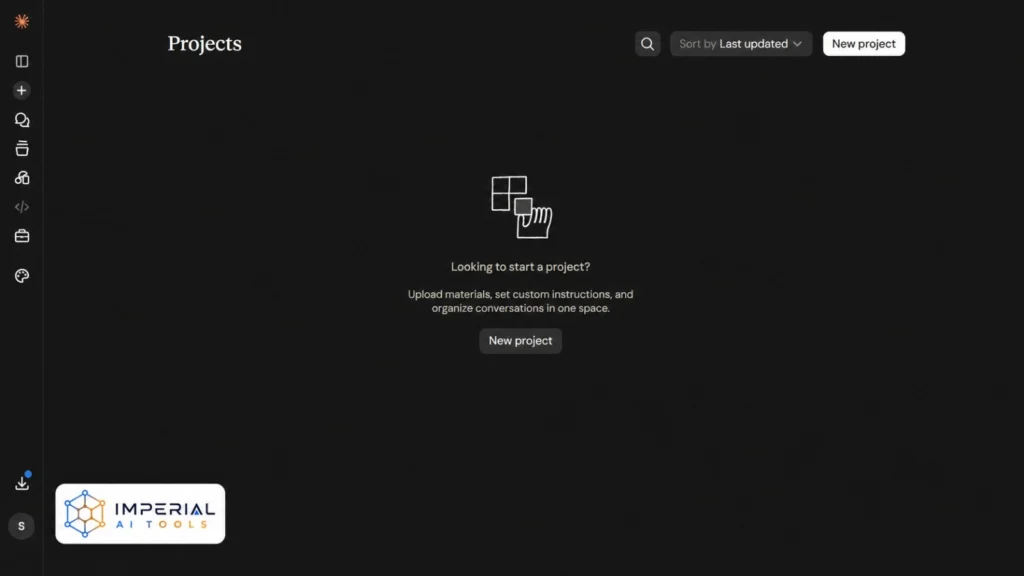
The Claude Projects feature is built for ongoing work rather than one-off chats. You set project-specific instructions, add reference files and reusable context, and keep related conversations organized in one place. Project knowledge and retrieval mean Claude can pull from your uploaded material as it works.
The Claude AI Projects feature shines for content campaigns, research, client work, and software projects anywhere you’d otherwise re-explain the same background every time. That’s the whole point of Claude Projects features: less repetition, more continuity.
Claude Artifacts
So what is the Claude Artifacts feature? It’s a separate workspace where generated outputs live alongside your chat instead of getting buried in it. That includes code previews, interactive tools, documents, diagrams, and visual content.
The Claude Artifacts feature lets you edit outputs in place and, where available, publish or share them. It’s a much cleaner way to iterate on something than scrolling back through a long conversation.
Memory and Chat Search
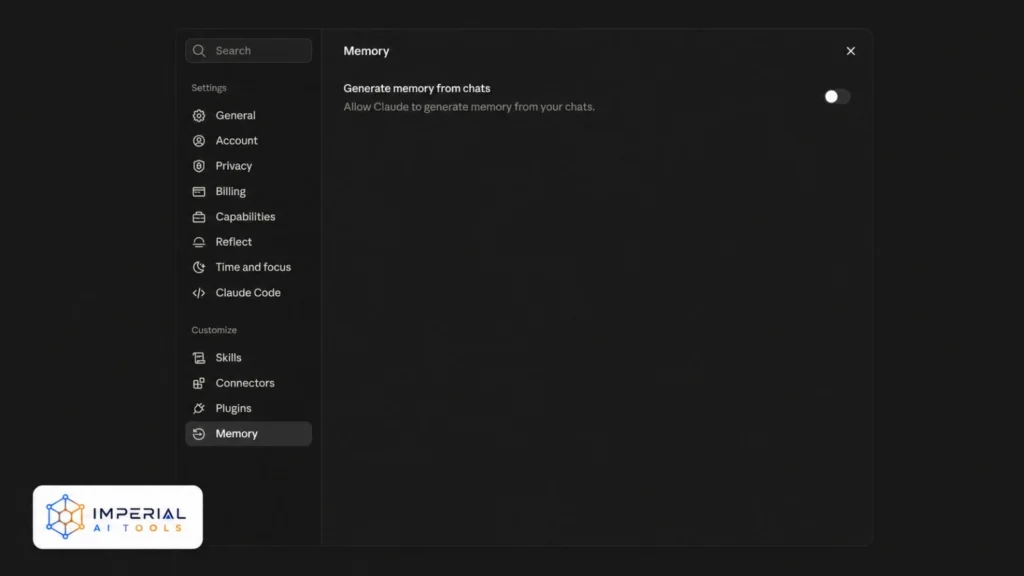
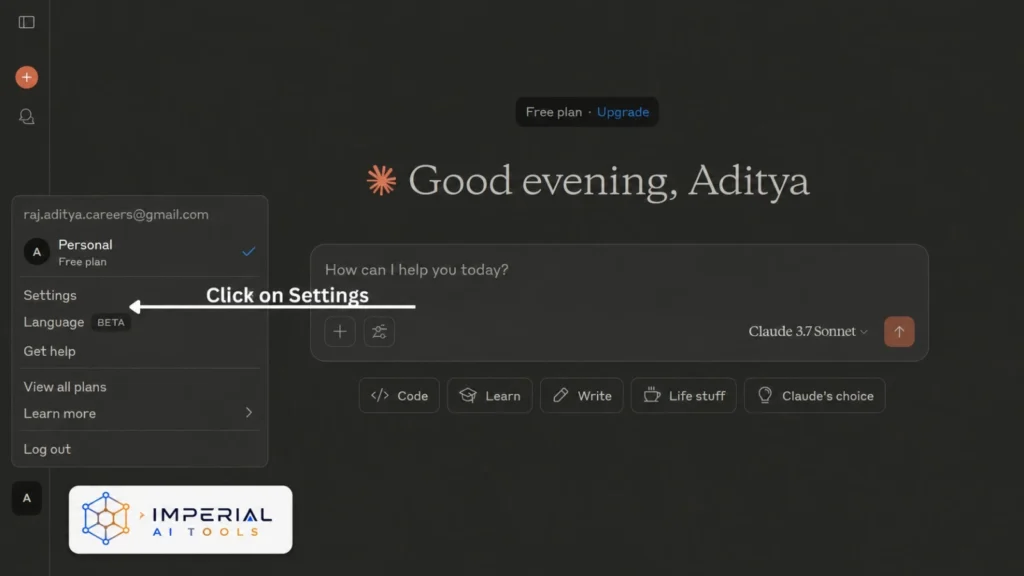
The Claude memory feature lets it remember your preferences and professional context, so you’re not repeating yourself across sessions. Chat search helps you find information from earlier conversations, and project memories can stay separate from your general chats.
You stay in control: memory controls, incognito chats, and deletion options are there when you need them. Availability may vary during staged rollouts, so what you see can differ from someone on the same plan.
Skills, Connectors, and Integrations,
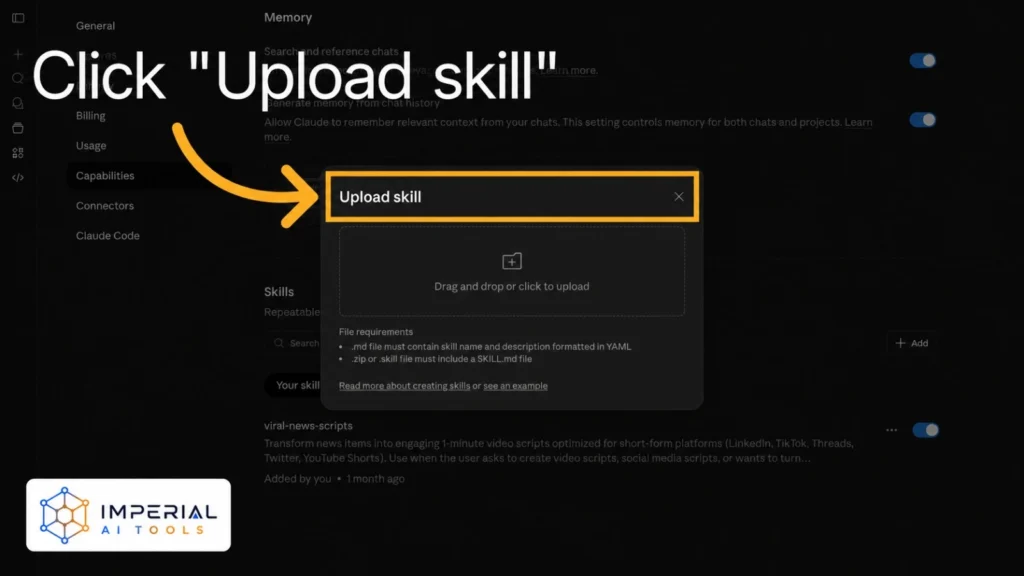
This is where Claude starts fitting into real workflows. Skills add reusable instructions and specialist workflows, while connectors link Claude with supported productivity platforms, plugins, and external data sources.
A word of caution: granting access to connected tools carries security considerations, and organization-level controls often decide what’s actually allowed. Don’t assume every integration is universally available it depends heavily on your account and admin settings.
Claude Code and Agentic Workflows
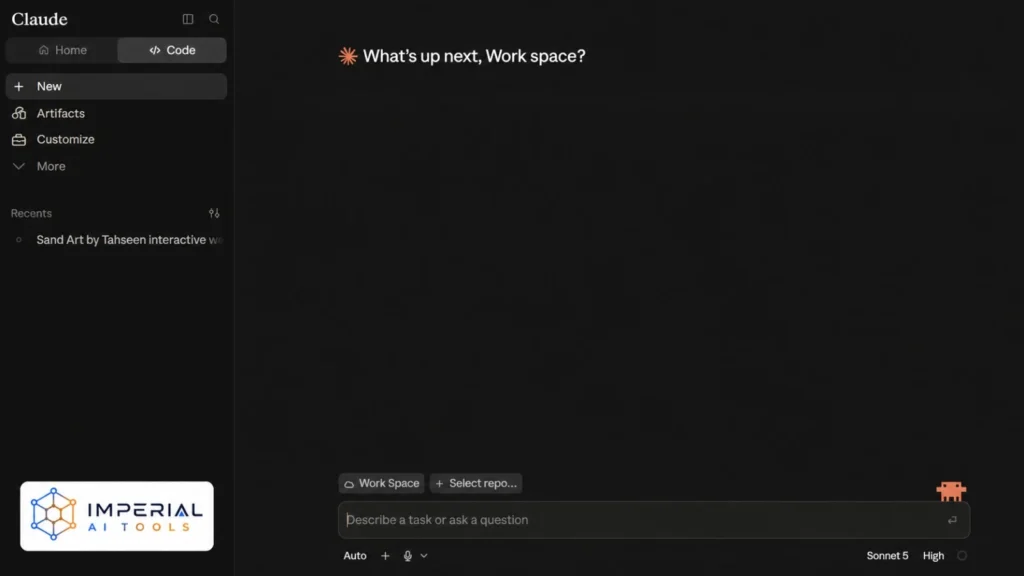
Claude Code features go well beyond standard code generation in a chat window. It reads and edits codebases, runs commands and tests, debugs and explains code, and works across multiple files behaving more like an agent than an assistant. If you are choosing purely on code output, see which ai codes better between Grok and ChatGPT
It runs across web, terminal, desktop, and supported development environments. The Claude Code new features and Claude Code latest features keep expanding what it can automate, but remember: this is a different product from conversational code help, and it lives on eligible paid plans. Not convinced the paid features earn their keep? Here is how to cancel Claude before your next renewal.
Claude gave me the wrong answer, or it lied. Of course, it didn’t know it was lying because it’s not a human being; it’s a large language model.
Which Claude Features Are Free?
Availability and limits change often, so treat this as a starting point rather than gospel. If cost is your main concern, our walkthrough on how to use claude for free covers what the no-cost tier actually unlocks. Here’s how the tiers currently break down:
| Plan | Published US price | Suitable for |
|---|---|---|
| Free | $0 | Occasional use and testing core capabilities |
| Pro | $20 monthly or $200 annually | Regular individual use |
| Max 5x | $100 monthly | Frequent, higher-capacity use |
| Max 20x | $200 monthly | Heavy daily workflows |
| Team | Check current organization pricing | Collaboration and administration |
| Enterprise | Custom/usage-based terms | Advanced security, governance, and scale |
| API | Model and token based | Developers building Claude into products |
Anthropic’s currently published individual pricing confirms Free, Pro, Max 5x, and Max 20x tiers. Before upgrading to access advanced features, check whether a claude free trial is currently available on your account.
Heads up: Prices may vary by country, taxes, billing method, and platform. Verify local pricing before subscribing.
What Claude Does Well and Its Limitations
No tool is perfect, and pretending otherwise doesn’t help you. Here’s the honest balance and our full pros and cons of claude ai goes deeper on each point:
| Strengths | Limitations |
|---|---|
| Natural long-form writing | Outputs can still contain factual errors |
| Strong document analysis | Usage limits depend on plan and workload |
| Projects and reusable context | Feature access can vary by account |
| Coding and agentic workflows | Advanced tools may require paid access |
| Interactive Artifacts | Not every output is production-ready |
| File creation and analysis | Connected data introduces privacy risks |
A few practical reminders: review factual, legal, medical, and financial outputs before you act on them. Test any generated code before shipping it. Only upload sensitive files after checking privacy and organizational policies. And treat Claude as a capable assistant not a replacement for qualified professional judgment.
Who Should Use Claude?
Claude fits a lot of roles, but the right features depend on how you work:
- Writers
- Drafting, editing, summarization, and style refinement
- Marketers
- Campaign planning, research, and content analysis. If that’s you, our roundup of free ai tools for digital marketing pairs well with Claude.
- Students
- Study support and document explanation
- Researchers
- Source discovery and large-file analysis
- Developers
- Claude Code, debugging, and codebase work
- Analysts
- Spreadsheet analysis, reports, and data visualization
- Teams
- Shared knowledge, integrations, and administrative controls
Claude isn’t automatically “best” for every one of these suitability comes down to your specific workflow and which features you’ll actually lean on.
Claude Alternatives and Comparisons
Claude is strong for writing, long-context work, and coding but another assistant may suit you better if you need native image generation, a wider productivity ecosystem, or a different research experience. Need media generation Claude lacks? Our free tools that replace grok guide covers image-capable picks.
Compare Claude With Other AI Assistants
- Compare claude vs chatgpt if you need to choose between Claude’s long-context workflows and ChatGPT’s broader creative toolset.
- Explore leading chatgpt alternatives to compare Claude with other general-purpose AI assistants.
- Read our perplexity ai guide if cited web research is your main priority.
- For setup instructions and practical prompting advice, follow our complete claude guide.
Conclusion
Claude has developed into more than a conversational assistant. Its writing, research, file analysis, Projects, Artifacts, memory, integrations, and coding tools support workflows ranging from simple editing to complex development. However, the most useful Claude features depend on your plan, region, and working style. Occasional users can begin with the free plan, while professionals may need Pro or Max for higher capacity. Compare Claude with competing assistants before upgrading, and always verify important outputs, feature availability, and current pricing through Anthropic’s official documentation.
Frequently Asked Questions About Claude Features
Yes. Claude works across many major languages for reading, writing, and translation. Quality is strongest in widely used languages, so double-check nuance and accuracy for less common ones or highly technical content.
Voice capabilities have been rolling out on supported apps and plans, but availability varies by platform and region. Check your current app version and Anthropic’s official documentation to confirm what’s active on your account.
Claude focuses on text, code, analysis, and Artifacts rather than native text-to-image generation. If image creation is your priority, pair Claude with a dedicated image tool or compare assistants that offer it built in.
Not for every answer. When using web search or research workflows, Claude can point to sources, but general responses may not include citations. For high-stakes claims, always verify against primary sources yourself.
Often, yes. Claude can create downloadable documents, spreadsheets, PDFs, and presentations, and Artifacts can be edited or shared where supported. Exact export options depend on the feature, your plan, and platform.