
Quick Answer: Claude is an AI assistant built by Anthropic designed to help with writing, research, coding, analysis, and more. This guide covers what Claude is, which models are available, how to access it, and practical tips to get the best results from it.
Key Takeaways
- Anthropic designed it on three core principles: helpfulness, harmlessness, and honesty, making it more transparent about its limitations than most AI tools.
- From the lightweight Haiku for quick tasks to the powerful Fable 5 for complex work, there’s a Claude model suited to every use case and budget.
- Claude handles writing, coding, document analysis, image understanding, and research, making it a multi-purpose productivity tool, not just a Q&A bot.
Introduction
Artificial intelligence has moved from science fiction to everyday reality faster than most people expected. And right in the middle of that shift sits Claude, one of the most capable and widely used AI assistants available today.
If you have heard of Claude but don’t know what it is, how it’s different, or how to use it, this guide explains it all. Whether you’re new to AI or looking to understand Claude in depth, you’ll get a clear picture.
What Is Claude?

Claude is an AI assistant created by Anthropic, an AI safety company founded in 2021. The name “Claude” refers to both the AI model itself and the chat interface you use to talk to it.
Claude is a large language model (LLM), a type of AI trained on vast text data to understand and generate human language accurately. But Claude is not just another chatbot. Anthropic built it on three principles: helpfulness, harmlessness, and honesty. These values guide how Claude responds, what it will or will not do, and how it handles sensitive situations.
You can think of Claude as an extremely knowledgeable assistant that you can have a real conversation with, one that writes, explains, analyzes, codes, and reasons alongside you.
“I’ve followed tech for 25 years, and I’ve never felt a larger gap between the ~1 million people using Codex/Claude and the rest of humanity.” James Wang
Who Made Claude? A Quick Look at Anthropic
To understand Claude, it helps to know a little about Anthropic. Anthropic was founded by Dario Amodei and Daniela Amodei, along with several other researchers who previously worked at OpenAI. The company’s mission is focused specifically on AI safety, building AI systems that are powerful but also reliable, interpretable, and aligned with human values.
This safety-first approach is visible in how Claude behaves. It is designed to be transparent about what it does not know, cautious about potentially harmful content, and honest when it disagrees with something or is uncertain about a fact.
Claude Models: Which Version Are You Using?
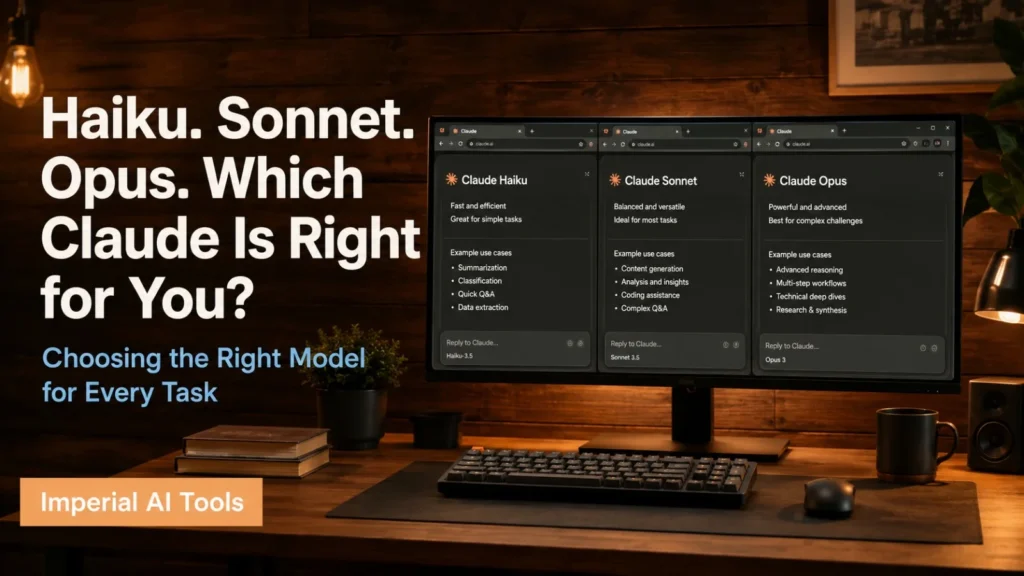
Anthropic releases Claude in different model tiers, each designed for different use cases. As of mid-2026, the available models are:
Claude Fable 5
The newest and most powerful model Anthropic has ever released to the general public. Fable 5 is a Mythos-class model, sitting above even Opus in capability. It excels at software engineering, long-horizon agentic tasks, knowledge work, vision, and scientific research. The longer and more complex the task, the bigger its advantage over other models. It is currently available via the Claude API and on Enterprise plans. Note: Fable 5 includes safety classifiers that block responses in certain high-risk areas like cybersecurity and biology.
Claude Opus
The previous top tier is still highly capable and recommended for the most complex reasoning, nuanced writing, and high-autonomy tasks. Current versions include Opus 4.8, 4.7, and 4.6. Opus 4.8 remains Anthropic’s most capable Opus-tier model and a strong choice for demanding work.
Claude Sonnet
The balanced middle tier. Offers a strong combination of speed and intelligence. This is what most people use for everyday tasks like writing, research, coding, and analysis. The current version is Sonnet 4.6.
Claude Haiku
The fastest and most lightweight model. Best for simple tasks, quick answers, and applications where speed matters more than depth. The current version is Haiku 4.5.
Each tier has sub-versions, with newer versions releasing regularly as Anthropic improves the underlying models. Anthropic also has a separate restricted tier called Claude Mythos (including Mythos 5 and the earlier Mythos Preview), which shares the same capabilities as Fable 5 but without safety classifiers currently only available to select organizations through Anthropic’s Project Glasswing program
How to Access Claude
There are several ways to use Claude depending on what you need:
Claude.ai
The main web interface at claude.ai. You can sign up for free and start chatting immediately. There is also a mobile app available for iOS and Android. The free plan gives you access to Claude Sonnet with some usage limits. The Pro plan removes many of those limits and gives you access to more powerful models and features.
Claude API
For developers and businesses who want to build applications on top of Claude. The API lets you integrate Claude’s capabilities directly into your own products, tools, or workflows. Anthropic offers different API tiers based on usage volume and needs.
Claude Code
A command-line tool designed specifically for software developers. Claude Code works inside your terminal and helps with agentic coding tasks: writing, debugging, explaining, and refactoring code directly in your development environment.
Claude in Apps
Anthropic has also built Claude integrations for tools like Excel and PowerPoint, making it easier to use AI assistance inside software you already work with.
What Can Claude Actually Do? A Feature Breakdown
This is where things get interesting. Claude’s capabilities span a wide range of tasks. Here is a breakdown of the major ones:
1. Writing and Content Creation
Claude is an excellent writing partner. You can use it to:
- Draft blog posts, articles, and essays
- Write emails, cover letters, and professional documents.
- Create social media captions and marketing copy.
- Edit and improve existing writing for clarity, tone, and grammar.
- Generate creative fiction, scripts, and storytelling.
Unlike a simple grammar checker, Claude understands context, voice, and intent. You can tell it to write in a specific tone, casual, formal, witty, or technical, and it will adjust accordingly.
2. Research and Summarization
Claude can process large amounts of information and distill it into clear, organized summaries. This is useful when you:
- Need to understand a complex topic quickly.
- Want a summary of a long document or report.
- Are researching a subject and want key points laid out clearly.
- Need to compare different perspectives on an issue.
With web search enabled, Claude can also pull in current information from the internet, making it useful for topics that require up-to-date data.
3. Coding and Development
Claude is a strong coding assistant. It can:
- Write code in virtually any programming language.
- Debug errors and explain what went wrong.
- Refactor existing code to be cleaner or more efficient.
- Explain how a piece of code works in plain English.
- Help you design the architecture of an application.
Many developers use Claude as a pair programmer, someone to think through problems with, not just a tool that spits out code snippets.
4. Analysis and Reasoning
One of Claude’s standout strengths is its ability to reason through complex problems. You can give it a scenario, a business problem, a logical puzzle, or a data set and ask it to think through it step by step.
This makes it useful for things like:
- Analyzing business decisions and their trade-offs.
- Breaking down a complex situation into manageable parts.
- Evaluating arguments and identifying logical flaws.
- Reviewing contracts, documents, or plans for potential issues.
5. Question Answering and Learning
Claude works well as a personal tutor or knowledge companion. Whether you want to understand quantum physics, learn the basics of investing, or get an explanation of a historical event, Claude can explain things at whatever level of depth you need, from beginner-friendly to technically detailed.
6. File and Document Handling
Claude can read and work with documents you upload. PDFs, spreadsheets, and text files, you can drop them into the conversation and ask Claude to summarize, extract specific information, or analyze the contents.
7. Image Understanding
Claude can look at images and describe, analyze, or answer questions about them. This is useful for everything from understanding a chart or diagram to getting feedback on a design.
How to Use Claude Effectively: Practical Tips
Knowing Claude exists is one thing. Getting the most out of it is another. Here are the habits that make a real difference:
Be Specific in Your Prompts
The more context you give Claude, the better its output. Instead of “write a blog post about fitness,” try “write a 600-word blog post about the benefits of strength training for women over 40, in a friendly and motivating tone.”
Vague prompts produce vague results. Specific prompts produce useful ones.
Tell Claude Who You Are and What You Need
If you are a beginner, say so. If you are an expert, say that too. Claude adjusts its language and depth based on your context. You can also tell it the format you want: bullet points, a numbered list, a table, or flowing paragraphs, and it will structure its response accordingly.
Use It as a Thinking Partner, Not Just a Generator
Claude is most powerful when you treat it as a collaborator rather than a vending machine. Ask it to challenge your ideas. Ask what you might be missing. Question it to play devil’s advocate. The back-and-forth conversation is where Claude really shines.
Iterate and Refine
Do not expect perfection on the first try. Give Claude a first draft, then ask him to revise and make it shorter, change the tone, and add more detail in a specific section. Treat each response as a starting point, not a final product.
Use Uploaded Files for Context-Heavy Tasks
If you are working with a document, contract, report, or data file, upload it. Claude can work directly with the source material rather than relying on your description of it, which leads to more accurate and relevant responses.
Is Claude Safe to Use?
Anthropic puts significant effort into making Claude safe and trustworthy. A few things worth knowing: Claude will decline requests that involve clearly harmful content, things like instructions for creating weapons, generating explicit content involving minors, or helping with illegal activities.
Claude is also designed to be honest about its limitations. If it does not know something, it will say so. If it is uncertain, it will flag that uncertainty rather than pretending to be confident. From a data privacy standpoint, you should review Anthropic’s privacy policy for the specifics, but Anthropic does not sell user data and has built its business around responsible AI development.
Final Thoughts
Claude represents a new category of tool, one that does not just look things up but actually thinks alongside you. It writes, reasons, analyzes, codes, and learns what you need through conversation. The best way to understand what Claude can do is to use it. Sign up at claude.ai, start with a task you work on regularly, and see how it handles it. Most people find that it has become a regular part of how they work.
AI is not going away. The question is whether you use it effectively or let it pass you by. Claude is one of the best starting points currently available.
Frequently Asked Questions
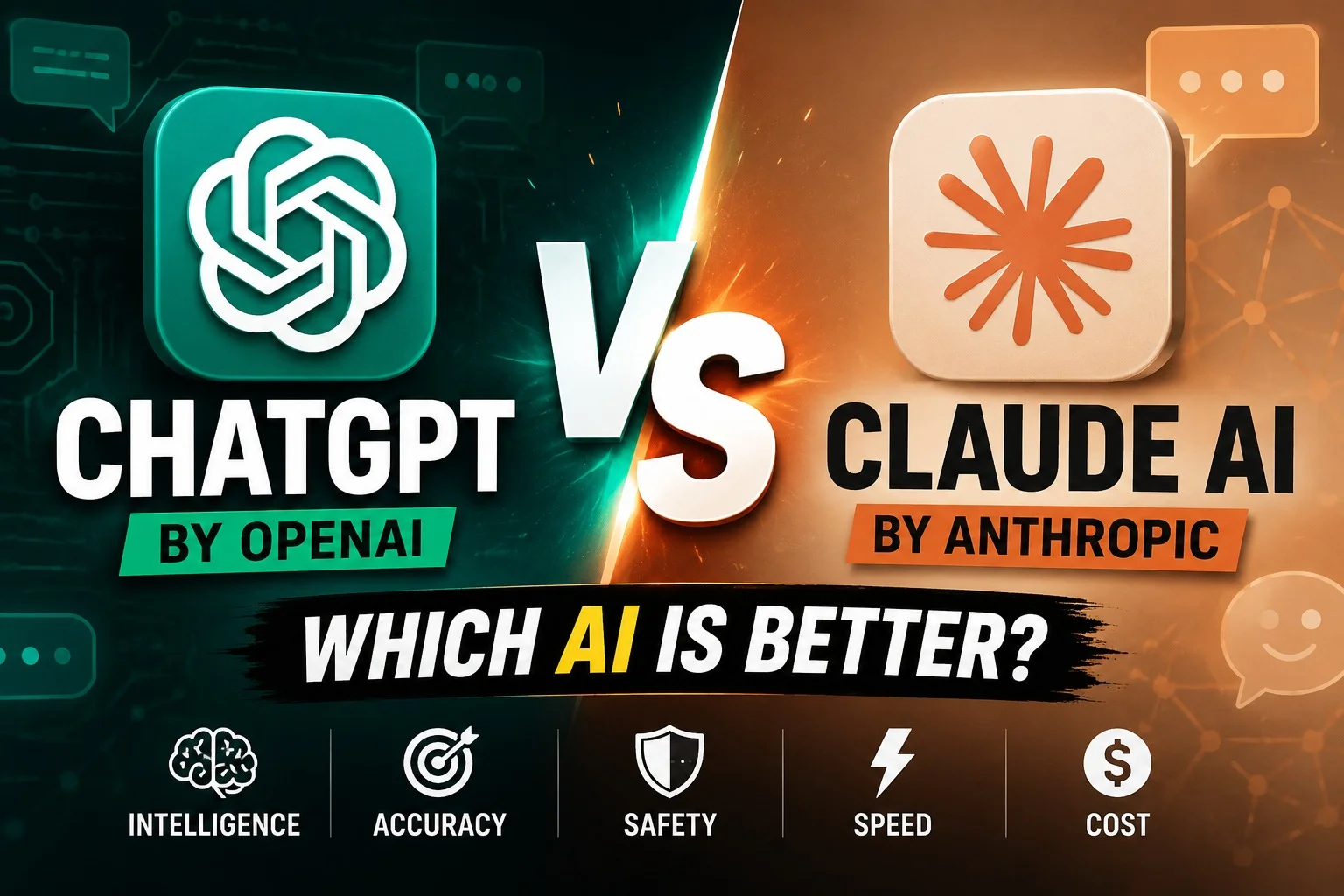
Both Claude and ChatGPT are powerful, but Claude shines in writing, deep analysis, coding, and precise instruction-following, while ChatGPT wins for versatility, brainstorming, image generation, and everyday convenience.
Claude AI, made by Anthropic, stands out for its enormous context window, remarkably natural writing, powerful autonomous coding agents, and a safety-first training approach that keeps it accurate, ethical, and highly steerable.
The Pentagon labeled Anthropic a national security “supply chain risk” after the company refused to remove AI safety guardrails that would have allowed its Claude models to be used for mass surveillance and autonomous weapons.
Anthropic, a San Francisco-based AI safety and research firm, is the organization responsible for building and launching Claude AI.
By default, your Claude conversations stay private, but depending on your settings, plan, or workplace account, they may be used to train AI models, reviewed by admins, or shared through generated links.