Ahrefs is a powerful SEO platform, but if its price or features no longer suit you, this guide explains how to cancel Ahrefs subscription safely. It’s used for backlink research, keyword analysis, site audits, competitor research, and rank tracking, but plenty of users step away because of cost, light usage, changing SEO needs, or a switch to another platform.
One thing to get straight up front: canceling your subscription, deleting your account, and removing your saved payment card are three different actions. This guide walks through all of it, preparation, the cancellation steps, pricing, payments, refunds, alternatives, and FAQs, so you don’t miss anything or get surprised by a charge.
Quick Answer
To cancel Ahrefs, open Account Settings → Billing → Subscriptions, select the cancellation option, and follow the confirmation prompts. Your paid access remains active until the billing period ends.
Quick Overview of Ahrefs Cancellation
| Question | Quick answer |
|---|---|
| Where do you cancel? | Account Settings → Billing → Subscriptions |
| Does access end immediately? | No, access normally continues until the paid billing period ends |
| Will the account be deleted? | No, cancellation and account deletion are separate |
| What happens afterward? | The account automatically moves to Ahrefs Free |
| Can you pause the subscription? | Ahrefs currently offers cancellation rather than an indefinite pause |
| Can you remove the card immediately? | Normally only after the paid plan ends and the account moves to free |
| Where can you get help? | Ahrefs live chat or support from your registered email address |
What to Do Before Canceling Ahrefs

Cancellation shouldn’t be your first move. Once your plan downgrades, you can lose easy access to reports, exports, historical views, project settings, and higher paid limits. A few minutes of prep now saves headaches later.
Check Your Next Billing Date
Open the Billing area and find your next renewal date. Cancel a day or two before renewal rather than waiting until the final hour, timing matters because your subscription ends at the close of the current billing cycle, not the moment you click cancel.
Export Important SEO Data
Pull anything you’ll want to keep before your access drops:
- Keyword lists and keyword research exports
- Backlink reports
- Competitor and content-gap reports
- Site Audit findings
- Rank Tracker data
- Client-facing reports
- Saved project information
Review Additional Users and Pay-As-You-Go Charges
Check for extra user seats, enabled add-ons, and additional data. Look for any outstanding invoices or usage-based charges too. Canceling won’t erase charges you’ve already racked up.
Record Your Projects and Account Information
Save your project names and verified properties, note important filters and reporting settings, and take a screenshot of the cancellation confirmation and billing status. Keep copies of invoices for your business records.
How to Cancel Ahrefs Subscription Step by Step

Here’s the exact process, start to finish.
- Step 1: Sign in to your Ahrefs account. Visit Ahrefs login and log in with the email connected to the paid subscription. Make sure you’re in the correct workspace. Only an account owner or authorized administrator will see billing controls.
- Step 2: Open Account Settings. Select the profile or account menu and open Account Settings. Don’t confuse project settings with account-level billing settings, they’re separate.
- Step 3: Go to Billing and Subscriptions. Select Billing, then open the Subscriptions area. Review your active plan, billing period, and next payment date.
- Step 4: Select the cancellation option. Choose the option to cancel the active subscription. Read any on-screen info about remaining access and plan changes, then complete any required confirmation fields.
- Step 5: Confirm the cancellation. Follow the final prompts and verify that the plan now shows a cancellation or expiration date. Save the confirmation email or grab a screenshot.
- Step 6: Confirm that auto-renewal has stopped. Return to Billing and confirm no new renewal is scheduled. If the status is unclear, reach out through Ahrefs live chat or its official support channel.
If you are cancelling because the tool felt too complex, our full ahrefs guide explains which features are worth keeping.
According to Ahrefs, cancellation takes effect when the current billing cycle finishes, after which the account automatically moves to the free tier.
What Happens After You Cancel Ahrefs?
Paid Access Continues Until the Billing Period Ends
Cancellation stops your next renewal, but it usually doesn’t yank your paid access right away. Your account stays active until the subscription end date shown in Billing. So there’s no need to rush and lose days you’ve already paid for.
Your Account Moves to Ahrefs Free
Once the paid period closes, your subscription automatically switches to the free tier. Paid limits and advanced features go away, though verified website owners keep limited access to selected reports.
Your Account Is Not Automatically Deleted
Cancellation and deletion aren’t the same thing. Here’s the difference at a glance:
| Action | Result |
|---|---|
| Cancel subscription | Stops future renewal and ends paid access after the current period |
| Downgrade | Moves the account to a lower or free plan |
| Delete account | Permanently closes the account through Ahrefs support |
| Remove payment card | Deletes the saved payment method once eligible |
Ahrefs Does Not Offer an Indefinite Pause Option
If you just want a temporary break, there’s no built-in “pause forever” button. The usual route is to cancel now and resubscribe later when you need the tool again.
How to Remove Your Payment Method After Cancellation

Removing your saved card is a separate step, and the order matters:
- Cancel the active subscription.
- Wait until the paid billing period ends.
- Confirm the account has moved to the free tier.
- Open Account Settings → Billing → Payment Methods.
- Delete the saved card.
Ahrefs Pricing and Subscription Costs Before Cancellation
Pricing checked: August 2026. Prices and regional currencies may change.
| Plan | Current US price | Typical user |
|---|---|---|
| Starter | $29/month | Occasional research and entry-level use |
| Lite | $129/month | Small businesses and personal projects |
| Standard | $249/month | Freelance SEOs and consultants |
| Advanced | $449/month | In-house marketing teams |
| Enterprise | $1,499/month | Large organizations; annual commitment |
A few things worth knowing about Ahrefs pricing before you decide:
- Annual billing may save up to 17% versus paying monthly.
- Main plans include one user; additional users can cost extra.
- Add-ons and pay-as-you-go usage can push up your final Ahrefs subscription cost.
- Ahrefs Free offers limited access for verified websites.
Note: Always verify the latest numbers on the official Ahrefs pricing page before making a decision, plans and costs shift over time.
Ahrefs Payment Methods and Automatic Charges
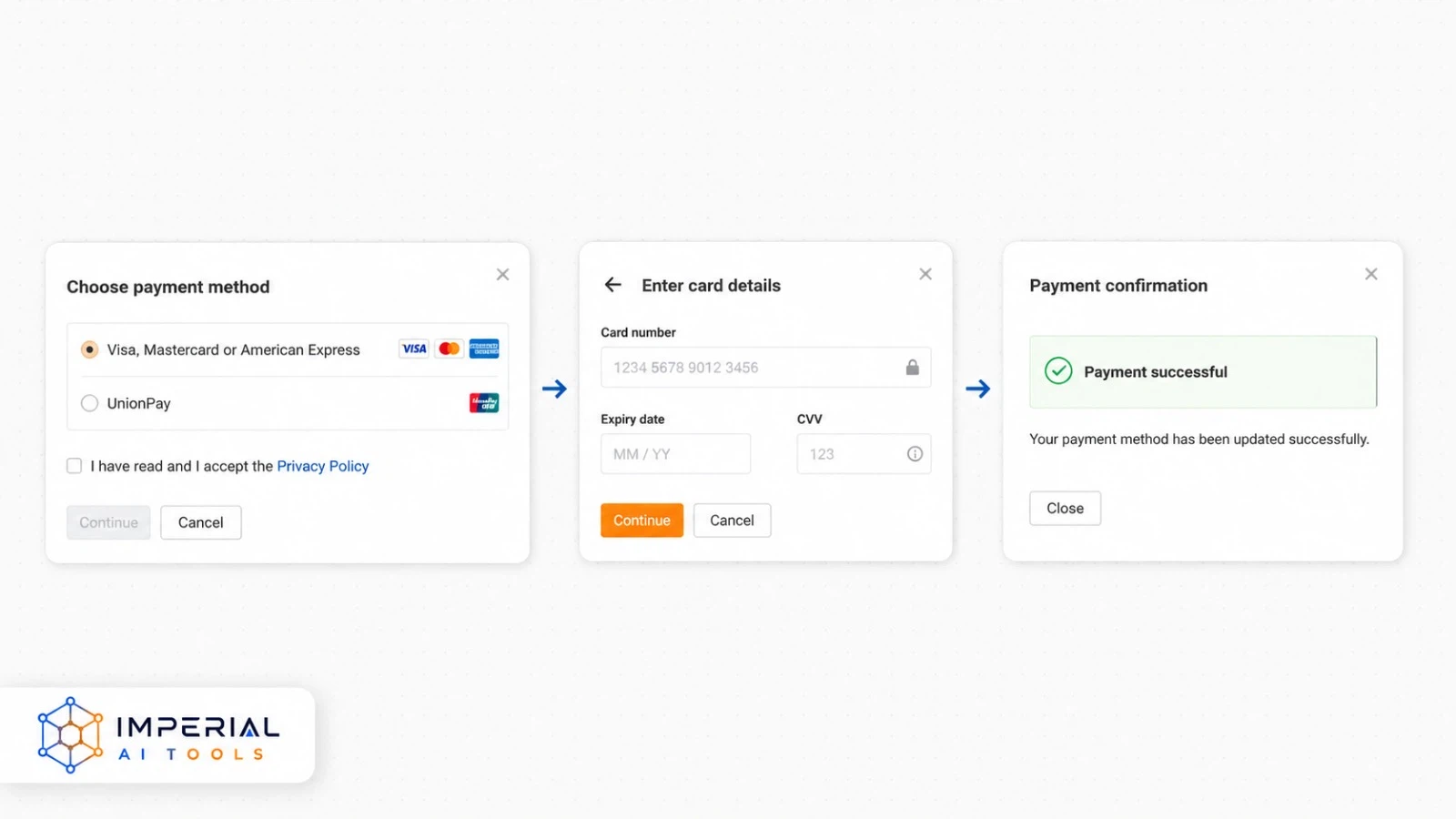
Ahrefs accepts the usual major payment methods:
- Visa
- Mastercard
- American Express
- UnionPay
- Wire transfers for Enterprise accounts on request
Keep in mind that recurring renewals, extra users, and enabled pay-as-you-go data can all trigger automatic charges, and any outstanding usage or invoices may still need to be paid even after you cancel.
Heads up: Review your invoices, additional users, add-ons, and usage-based charges before canceling. Stopping renewal does not automatically erase costs you’ve already incurred.
Should You Downgrade Instead of Canceling?
Canceling isn’t always the smart move. If you still get some value from the tool, downgrading might make more sense. Use this quick decision table:
| Situation | Better option |
|---|---|
| You still use Ahrefs weekly | Keep the current plan |
| You need fewer projects or reports | Downgrade |
| You only monitor your verified website | Consider Ahrefs Free |
| You need occasional basic research | Consider Starter |
| You won’t use Ahrefs for several months | Cancel and resubscribe later |
| Cost exceeds the business value | Compare alternatives |
The honest question is whether Ahrefs is worth it for how you actually work. If it’s earning its keep, downgrade; if it’s mostly sitting idle, canceling is fine.
Ahrefs Alternatives to Consider Before Leaving
Free and Lower-Cost Ahrefs Alternatives
If price is the main reason you’re leaving, compare these free ahrefs alternatives before paying for another full SEO suite. Website owners can also cover a lot of ground by combining google search console for first-party search and indexing data, Google Analytics for traffic and behavior, and a technical crawler like screaming Frog for site audits.
That stack won’t fully replace a premium suite. If you mostly need traffic and audience numbers, these free similarweb alternatives cost less than another full SEO suite, but for many small sites it delivers most of what they actually need, at little to no cost. Switching to another suite? Compare ahrefs vs spyfu vs semrush before you commit. Stick with legitimate tools; skip sketchy “group buys,” shared premium accounts, or resold subscriptions that violate Ahrefs’ terms and risk your data. For competitor research on a small budget, try these free alternatives to spyfu.
Conclusion
Canceling Ahrefs is straightforward once you know where the billing controls are. Export your important SEO data, check your next renewal date, and confirm the cancellation inside Account Settings → Billing → Subscriptions. Watch out for outstanding invoices, extra users, and add-ons before you pull the trigger.
Your paid access should continue until the current billing period ends, after which the account moves to Ahrefs Free, not deleted, just downgraded. If the cancel option is missing or the billing status looks unclear, contact support. And if Ahrefs no longer fits your budget or workflow, compare legitimate alternatives before starting another recurring subscription.
Frequently Asked Questions
Yes. You can cancel through Account Settings whenever you like. Cancellation generally takes effect at the end of your active billing period, so you keep paid access until that date rather than losing it instantly.
Yes, but cancellation usually stops the next renewal rather than immediately ending the period you already paid for. It also doesn’t automatically guarantee a refund for the current cycle.
No. Ahrefs keeps your paid access available until the current subscription period ends. After that, your account moves down to the free tier automatically.
Your paid account automatically moves to Ahrefs Free once the billing cycle ends. The free tier is considerably more limited than any paid plan and mainly serves verified website owners.
Sometimes, but it isn’t automatic. Canceling stops future renewals; any refund for an existing charge depends on Ahrefs’ terms and your situation. Contact support directly to ask about your eligibility.