
The pros and cons of Claude AI include excellent writing, coding, and analysis capabilities balanced against limits, errors, and missing creative tools. This review breaks down what Claude does well, where it falls short, and who it suits best.
Claude is an AI assistant built by Anthropic. It helps with writing, coding, research, file analysis, and planning. Below is a balanced look at its real strengths and weaknesses, plus a clear verdict. Whether Claude fits you depends on your tasks, your expectations, and how much you value accuracy. For a full walkthrough of features and setup, see our complete claude guide.
Quick Answer
Claude AI offers strong writing, coding, reasoning, and document analysis. Its drawbacks include usage limits, occasional factual errors, cautious responses, and limited native media generation. It works well for professionals and everyday users who are ready to review its output before using it.
Key takeaways
- Claude is strongest at natural writing, coding help, and long-document analysis.
- Its main limits are usage caps, factual errors, and no native image or video generation.
- Every important output needs a human review for facts, code, and citations.
- It suits writers, developers, businesses, students, and personal users who verify results.
- Test Claude on a real task before adding it to any critical workflow.
Pros and Cons of Claude AI at a Glance
Here is the short version before the detail. Claude is a capable assistant with clear strengths in writing and analysis, and a few real limits around accuracy and usage. The table below sums up both sides.
| Pros of Claude AI | Cons of Claude AI |
|---|---|
| Produces natural, organized writing | Can generate incorrect information |
| Handles long documents effectively | Usage limits can interrupt work |
| Strong coding and debugging support | Results still require human review |
| Useful for reasoning and planning | Can be overly cautious |
| Supports file and image analysis | Limited native media generation |
| Available across several devices | Performance varies between tasks |
| Helpful safety-oriented responses | Not suitable for unsupervised decisions |
These benefits and drawbacks can shift based on your task, your prompt, your model access, your language, and your workflow. A quick writing task and a large code review will not feel the same. Compare Claude with other options in our LLM models category.
Claude is incredible. Anthropic made a huge leap in coding and reasoning. NVIDIA uses it all over. Every software company needs to use it.
Advantages of Claude AI
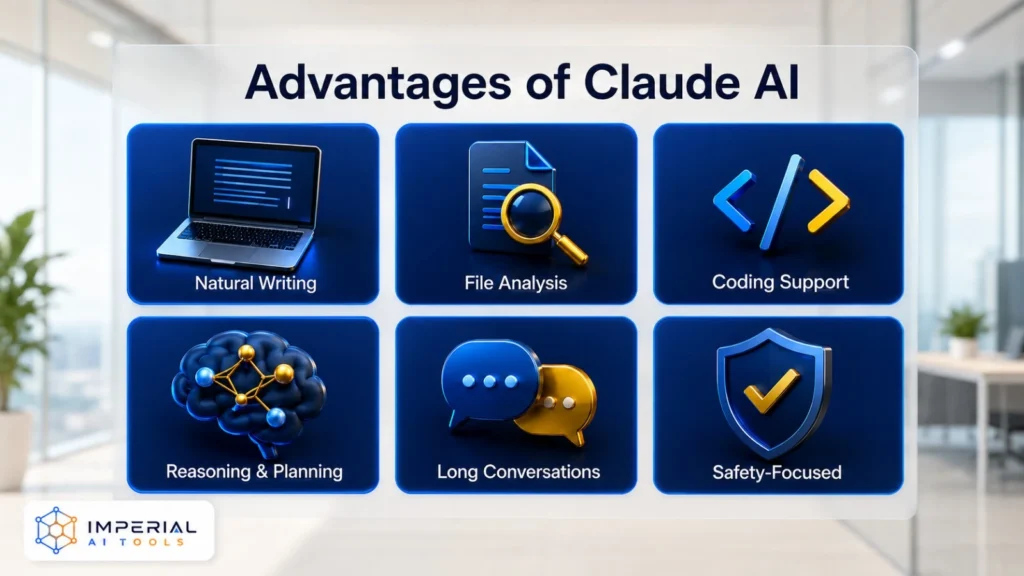
Natural and Well-Structured Writing
Writing is where many users first notice the value. Claude drafts and refines text that reads smoothly and stays organized. It handles a wide range of everyday writing jobs.
- Blog drafts and outlines
- Emails and replies
- Marketing content and ad copy
- Rewriting and paraphrasing
- Summaries of long text
- Tone adjustments for different audiences
- Long-form content and reports
The output often sounds natural and clear. You should still edit and fact-check every draft before you use it. Claude gives you a strong start, not a finished, verified piece. For pure copywriting help, browse our copywriting and seo tools.
Strong Document and File Analysis
Claude is good at reading and working with large files. This saves hours when you deal with reports, contracts, or research. It can process material you upload and answer questions about it.
- Summarize long documents into short points
- Extract the important information
- Compare multiple files side by side
- Analyze reports and data notes
- Organize complex information into a clear order
- Answer questions about uploaded material
It will not always interpret a document correctly. Dense tables, scanned pages, or unusual formats can confuse it. Check its reading of anything that matters. Explore more options in our files and spreadsheets tools.
Capable Coding and Debugging Support
The pros and cons of Claude AI for coding lean positive for many developers. Claude reads code well and explains it in plain language. It helps across the daily coding loop.
- Explaining what a block of code does
- Finding errors and bugs
- Generating scripts and functions
- Refactoring messy code
- Writing technical documentation
- Suggesting improvements and cleaner patterns
Always test generated code for function, compatibility, and security before you ship it. Claude can miss edge cases or use an outdated approach. Treat its code as a draft to review. Compare dedicated options in our code assistant tools.
Helpful Reasoning and Planning
Claude is useful when a task feels big or messy. It brings structure to loose ideas and keeps the plan readable. It works through problems in clear steps.
- Break complicated tasks into steps
- Compare different options fairly
- Create project plans and timelines
- Identify missing information
- Organize research into themes
- Suggest possible solutions to test
Use it as a thinking partner that speeds up your planning. See more in our productivity tools hub.
Useful for Long Conversations
Claude can hold context across a detailed chat. You can give it long instructions and keep building on earlier replies. This makes big, multi-step jobs easier to manage in one place.
Its memory and context are not unlimited. Very long threads can lose earlier details or hit a limit. Keep key facts handy so you can restate them if needed.
Safety-Focused Responses
Anthropic built Claude with a strong focus on responsible AI behavior. This design reduces harmful or inappropriate output and makes it safer for teams and schools. The trade-off is that it can sometimes feel overly cautious on harmless requests. You can read more about Anthropic’s approach to Claude on the official site.
Claude gives you a fast, well-structured first draft. Your edits and fact-checks turn that draft into something you can trust.
Disadvantages of Claude AI
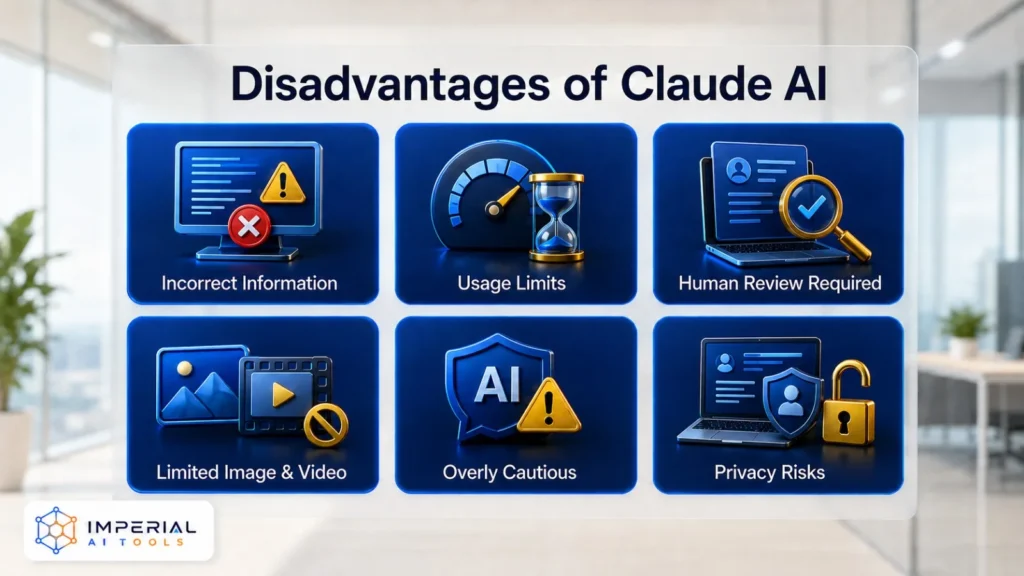
Claude Can Produce Incorrect Information
Accuracy is the biggest risk. Claude can sound confident while being wrong. This is a known limit of large language models. Watch for these problems.
- Invents facts that sound real
- Misreads or misinterprets a source
- Makes calculation errors
- Provides unreliable or fake citations
- Presents incorrect answers with full confidence
Check important claims against reliable primary sources. Never publish a stat, quote, or citation from Claude without verifying it first.
Common mistake: Trusting Claude’s citations as real. It can produce sources that look correct but do not exist. Always open and confirm every link and reference before you cite it.
Usage Limits Can Interrupt Tasks
The pros and cons of claude ai free plan matter here. Free access is useful, but it comes with limits that can pause your work at a bad moment.
- Free users get lower usage allowances
- Long conversations and uploaded files use those allowances faster
- Limits can interrupt work in the middle of a task
- Availability can vary with demand and task complexity
Plan longer sessions with this in mind, and save your work often. To weigh plans against rivals, see our claude vs chatgpt comparison.
It Requires Human Review
Claude is an assistant, not an authority. You stay responsible for what you use. Review its work in these areas every time.
- Facts and claims
- Calculations and numbers
- Citations and sources
- Code and scripts
- Business recommendations
- Any content you plan to publish
Do not let Claude make important decisions without human oversight. It informs the choice; a person makes it.
Limited Native Image and Video Generation
Claude can analyze visual material where supported. It is not built mainly as an image or video generation platform. If you need original visuals, pair it with a dedicated tool. Browse strong picks in our image tools and video generators.
Responses Can Be Overly Cautious
Safety controls sometimes go too far. On legitimate but sensitive topics, this can reduce how helpful Claude feels. Expect the odd over-correction.
- Unnecessary refusals on harmless prompts
- Heavily qualified, hedged answers
- Reduced usefulness for valid sensitive research
Privacy Requires Care
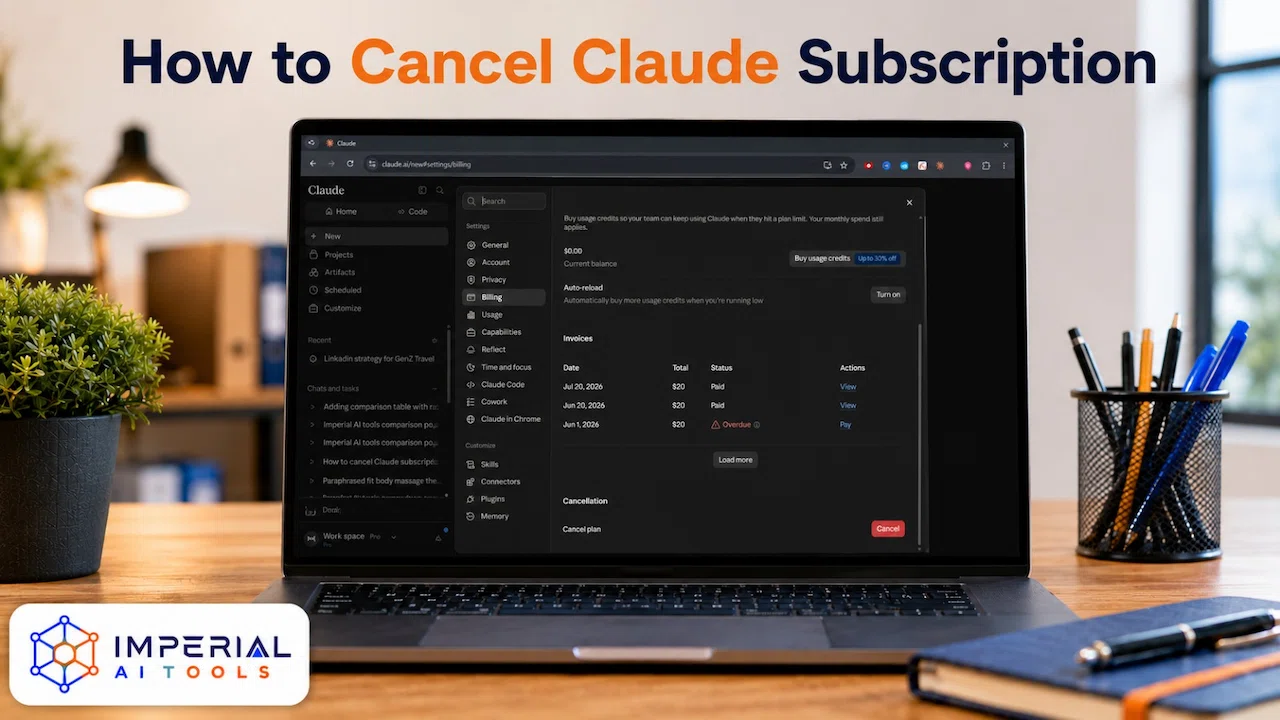
Treat any AI chat as a place where you control what you share. Keep sensitive data out unless you have clear authorization and the right plan. If the cons matter more than the pros for you, see our steps to cancel claude pro cleanly.
Avoid uploading: passwords, private financial details, confidential client data, medical records, or proprietary company information without proper authorization.
Pros and Cons of Claude AI for Different Users
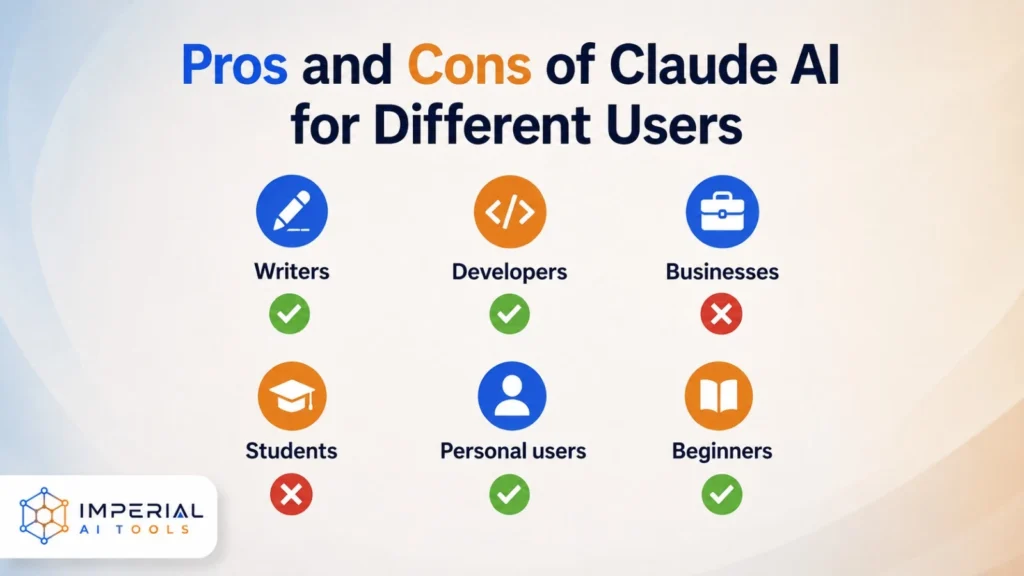
Your experience depends on who you are and what you need. Writers, developers, and businesses each get different value. This table maps the main upside and downside for each type of user.
| User type | Main advantages | Main disadvantages |
|---|---|---|
| Writers | Natural tone, editing, summarization | Output may contain errors or generic wording |
| Developers | Code explanation, debugging, refactoring | Code requires testing and security review |
| Businesses | Research, documentation, productivity | Privacy and accuracy concerns |
| Students | Explains topics and organizes notes | Can encourage dependency or give wrong answers |
| Personal users | Planning, brainstorming, everyday help | Usage limits and inconsistent answers |
| Beginners | Simple interface and conversational replies | Advanced features may need learning |
For writers, Claude AI for writing comes down to speed versus polish: fast drafts, but you own the edit. For teams, Claude AI for business balances real productivity gains against privacy and accuracy checks. For everyday use, Claude AI for personal use is strong help against usage caps. Developers should also see our full Claude review for coding depth.
Pro tip: Match Claude to the task, not the hype. Use it for drafts, analysis, and planning. Keep a human in the loop for anything you will publish, ship, or act on.
Is Claude AI Worth Using?
Claude is worth considering if you regularly write, code, analyze documents, run research, or organize complex projects. Its clear writing and its skill with long information make it valuable for both professional and personal work.
It is less suitable if you need guaranteed accuracy, unrestricted usage, native image generation, or a system that runs without human oversight. Those needs point you toward a different setup or a mix of tools.
The smart move is simple. Test Claude on a genuine everyday task first. See how it handles your real work before you make it part of an important workflow.
Conclusion
The pros and cons of Claude AI show a capable assistant that still needs human expertise beside it. Its strongest advantages are natural writing, coding support, document analysis, structured reasoning, and the ability to follow complex instructions. Its main drawbacks are usage limits, occasional factual errors, cautious responses, privacy considerations, and limited native media generation.
Claude is a strong option for writers, developers, researchers, businesses, and personal users who are ready to review its work. Test it on a real task, check the output with care, and decide whether its strengths match your specific workflow. Keep exploring picks in our full ai tools directory.
Frequently Asked Questions
Claude uses access controls, and Anthropic offers enterprise security features and data handling options. Retention and compliance settings can differ by plan and organization policy. Always verify current security and compliance details through Anthropic’s official documentation before storing sensitive data.
Yes. Claude can speed up research, writing, document analysis, coding help, meeting prep, and routine messages. It removes repetitive work and gives teams a fast first draft. Human review is still needed to check facts, tone, and accuracy before anything is used or published.
Claude works through the web, desktop app, and an API. It also supports connectors, external services, Claude Code, and the Model Context Protocol. Setup is simple for basic use. Deeper integration depends on your existing tools and available technical resources. See our automation tools for pairing ideas.
Yes. Claude offers Projects, custom instructions, styles, reusable skills, API integrations, connectors, and enterprise configuration. These help it match your workflow and voice. Customization improves relevance, but it does not guarantee perfect output, so review results carefully. Explore our business and enterprise tools.