
What Is MyLens AI?
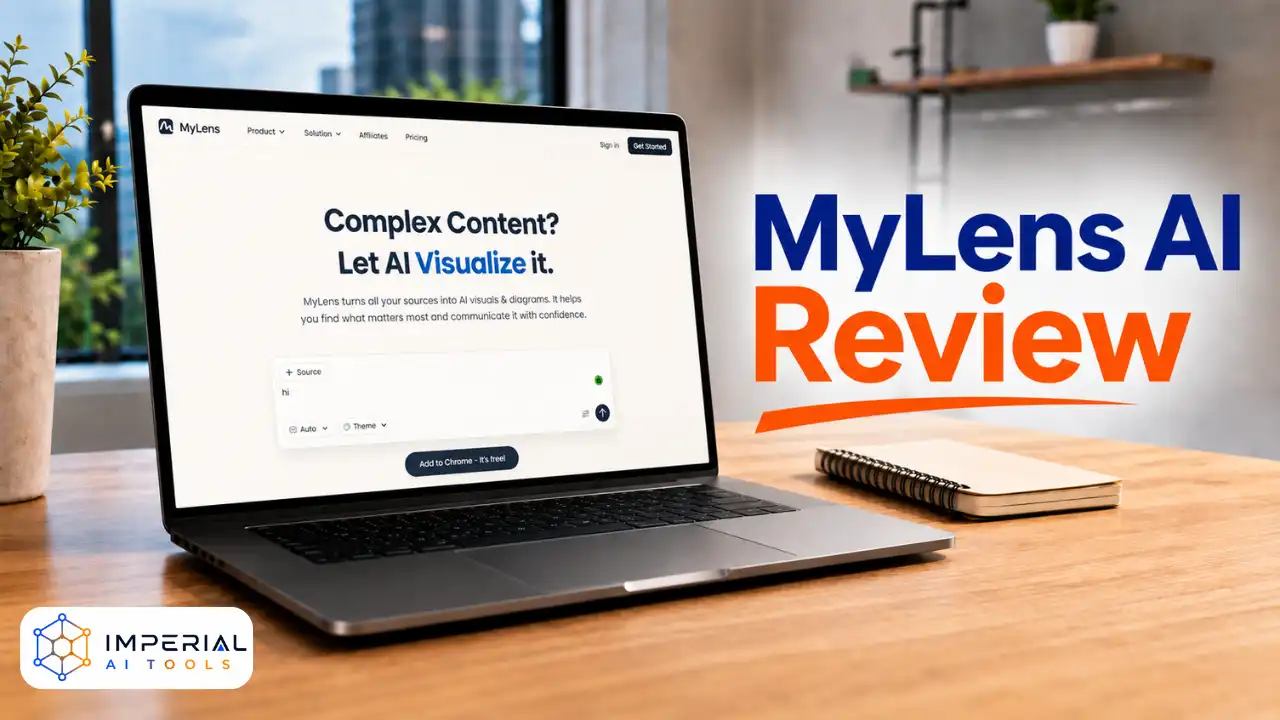
MyLens AI is a visualization platform built by the MyLens AI team. It takes raw content and turns it into interactive diagrams. The tool reads text, PDFs, webpages, and videos, then builds a visual map of the key ideas.
Students, researchers, marketers, and consultants make up its core users. Teachers use it to prepare lesson visuals fast. Consultants use it to summarize client documents into shareable diagrams. The main purpose stays clear: help people understand dense information without reading every line.
“MyLens lets you turn text, webpages, or even YouTube videos into interactive visuals, like mind maps and timelines. It’s quick to learn and points toward where AI is heading.”
How Does MyLens AI Work?
The workflow follows three simple steps. First, a user adds a source, such as a PDF report, an article link, or a YouTube video URL. MyLens AI then reads and organizes the content automatically.
Second, the AI builds an interactive visual, like a timeline or mind map. Every element stays clickable. Users can expand a node, drill into details, or trace a fact back to its original source line for verification.
Third, users customize the output. Colors, fonts, and layouts can all be adjusted. Once finished, the visual can be downloaded as an image, shared as a link, or embedded into another page.
Key Features of MyLens AI
MyLens AI packs several capabilities into one workspace, each aimed at making dense content easier to digest and present.
- Multi-format input: Accepts text, PDF, Word, PowerPoint, Excel, CSV, images, webpages, and YouTube links, so almost any source can become a visual.
- Dynamic visuals: Timelines, mind maps, flowcharts, and quadrants that respond to clicks instead of staying static like a typical chart.
- Source citations: Every insight links back to the original content, which builds trust in the output and speeds up fact-checking.
- Chrome extension: Converts any open webpage, dashboard, or video into a visual with one click, without leaving the browser tab.
- AI narration: Available on paid plans to talk through a visual automatically, which helps during live presentations.
- Brand kit: Lets teams apply consistent colors, fonts, and logos across every visual on the Premium tier.
- Deep web search: A Business plan feature that pulls in outside context to enrich a visual beyond the uploaded source alone.
Performance and User Experience
MyLens AI feels fast during regular use. Short articles generate visuals in seconds. Longer PDFs and video transcripts take a bit more time but rarely feel slow. The interface stays clean, with a composer box front and center on the homepage.
Accuracy depends on the source. Well-structured documents, like business reports or academic papers, produce sharp, reliable visuals. Messy or poorly formatted content sometimes needs manual edits afterward. The learning curve stays gentle since most actions need just a click or a drag.
Integrations and Compatibility
MyLens AI works fully inside the browser, so no desktop app installation is required. The Chrome extension extends its reach to any webpage, including dashboards and social feeds. Visuals can be embedded into websites, documents, or shared through a live link.
Direct integrations with tools like Notion, Slack, or project managers stay limited right now. Teams that need deep workflow automation may want to pair MyLens AI with a separate integration tool.
Who Should Use MyLens AI?
Best For:
- Consultants summarizing client research
- Teachers building visual lesson content
- Students studying dense topics
- Marketers turning reports into shareable visuals
Not Ideal For:
- Teams needing precise technical diagrams from scratch
- Users wanting deep real-time team collaboration
- Businesses needing extensive third-party integrations
Imperial AI Tools Feedback
MyLens AI does one job well: it makes complex content easier to understand at a glance. The interactive visuals feel genuinely useful for research, teaching, and client presentations, and the source citation feature adds real trust to the output. The range of accepted formats, from PDFs to YouTube links, means most work sources fit without extra conversion steps.
The main drawbacks show up in integrations and collaboration depth. Teams that rely on Notion, Slack, or heavy real-time co-editing may find the toolset thinner than expected, and the lack of a public API limits automation for developers. Overall, MyLens AI is best suited for individuals and small teams who need to visualize existing content quickly rather than build diagrams from a blank canvas.
Suggestions For Improvement
- Add native integrations with Notion, Slack, and Google Workspace.
- Expand real-time collaboration for larger teams.
- Offer more visual template variety on the Free plan.
- Improve accuracy handling for poorly formatted source files.
- Add a mobile app for on-the-go visual editing.