
The main selling point is camera control. Higgsfield adds cinematic camera presets and motion effects on top of the models it hosts, so you get more directed movement than you get from prompting most base models directly.
Founded in 2023 by a team with senior AI experience from Snap and Google, the company has raised heavy venture funding and reached a valuation in the billion-dollar range. That funding matters to users in one way: it enables fast model additions.
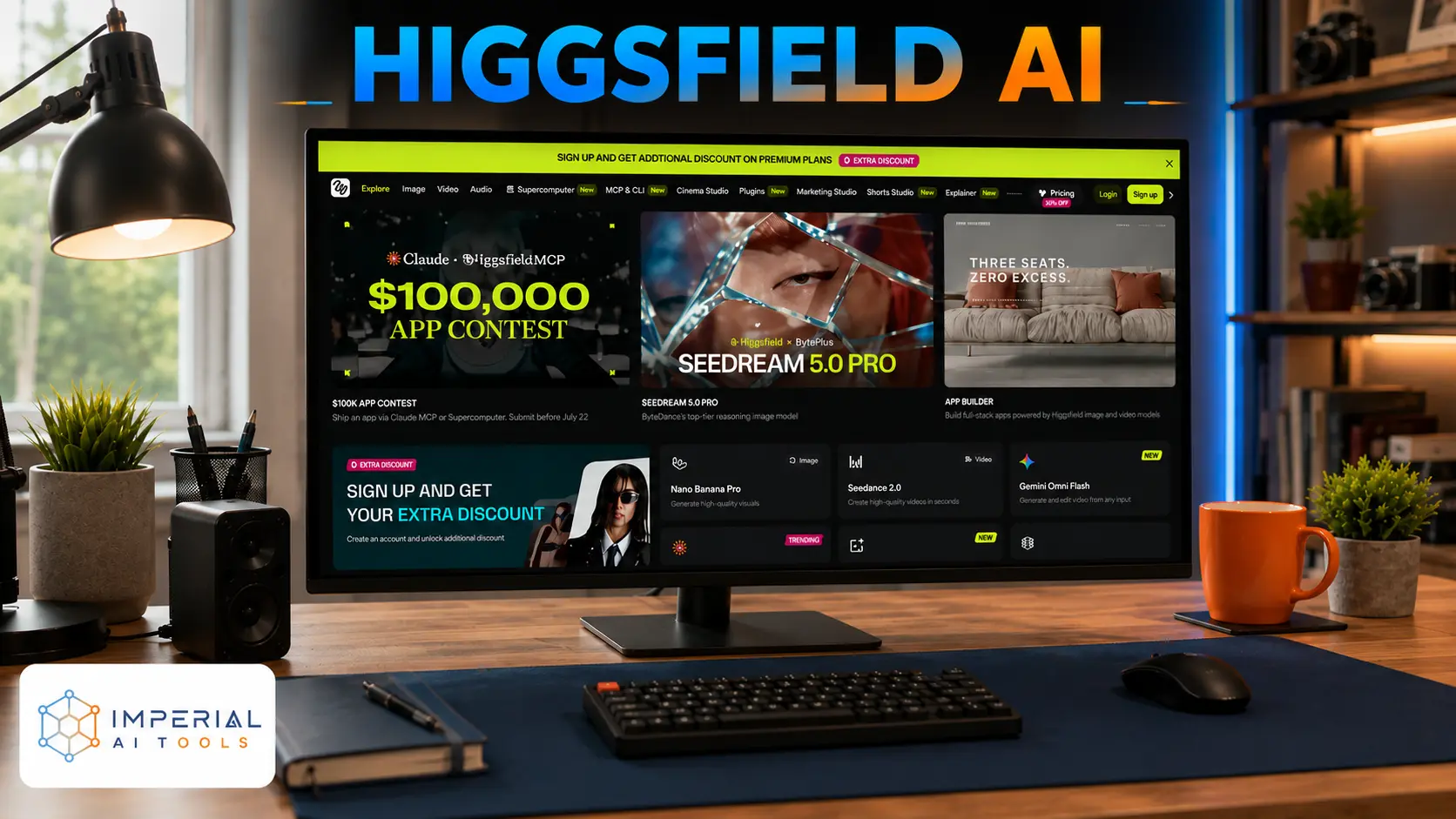
Quick Overview: Higgsfield AI is not one video model. It is a platform that packages many top video and image models, Sora 2, Veo 3.1, Kling 3.0, WAN 2.6, Seedance, and others under a single subscription. You pay with credits, and each generation spends a set number of them depending on the model, the length, and the resolution.
Who Should Use Higgsfield AI?
- Social media creators who want cinematic-looking clips without editing skills.
- Marketers and UGC creators who need product and ad videos at volume.
- People who want to test many models in one place instead of paying for each separately.
It is a weaker fit for:
- Users who only need one model (going direct is often cheaper).
- Heavy users on a tight budget (credits drain fast after retries).
What Makes Higgsfield AI Stand Out?
- One login, many models. You skip juggling separate Sora, Veo, and Kling subscriptions.
- Camera and motion presets that base models do not give you out of the box.
- A large library of quick tools, face swap, lipsync, and headshot generators that use fewer credits per run.
The trade-off: you are paying a middleman. You get convenience and control, but not the cheapest path to any single model.
Key Features of Higgsfield AI
Higgsfield does not build its own flagship video engine. It routes your prompt to whichever hosted model you pick. This is the core thing to understand: quality depends on the model you choose, not on Higgsfield itself. Pick a premium engine, and you get premium output. Pick the cheapest one, and you get cheap output.
- Premium models (Sora 2, Veo 3.1) cost far more credits per clip.
- Mid-range models (Kling 3.0) cost a fraction and are the workhorse for most users.
- The lowest-cost engines exist mainly to stretch a credit budget, not to impress.
Motion Controls & Camera Effects
This is Higgsfield’s real differentiator. Its Cinema Studio adds deterministic camera moves, dolly, orbit, crash zoom, and similar instead of hoping the model guesses your intent from text. For creators who want a specific shot rather than a random one, this saves iterations.
Image-to-Video & Text-to-Video
Both entry points are supported. Feed it a still image and animate it, or start from a text prompt. Image-to-video gives you more control over the starting frame, which cuts down on wasted generations.
AI Templates & Creative Tools
Beyond raw generation, Higgsfield bundles a wide set of smaller apps: lipsync, face swap, headshot and avatar generators, and template-driven effects. These consume fewer credits per use and are built for fast social output rather than cinematic work.
How to Use Higgsfield AI
- Create an account and pick a plan or start on the free tier.
- Choose the model you want for the job. This choice decides both quality and credit cost.
- Confirm your credit balance before a big session, since credits do not roll over.
Creating Your First AI Video
- Pick text-to-video or image-to-video.
- Write a clear, specific prompt, or upload your starting image.
- Add a camera preset if you want a directed shot.
- Generate, review, and expect to run it more than once. Most usable clips take several tries.
Exporting & Sharing Your Projects
- Download the finished clip once you are happy with it.
- Export in the resolution; your plan allows higher resolution, which costs more credits.
- Take the file straight into your editor or post directly to social platforms.
Higgsfield AI vs InVideo AI
Both platforms host top models like Sora 2 and Veo 3.1, so this is not aggregator versus studio. The real split is what each is built around. Higgsfield is built around the clip: model choice, camera control, and shot direction. InVideo is built around the finished video: it writes a script, picks stock footage, adds a voiceover, subtitles, and music, and hands you a full edit from one prompt.
- Pick Higgsfield if you want control over the shot and the look, and you will do your own editing.
- Pick InVideo if you want a whole video assembled for you with minimal effort, especially script-driven or faceless content.
In short, Higgsfield gives you better raw shots to work with. InVideo gives you a finished product with less control over each frame.
Conclusion
Higgsfield is worth it if you value convenience and camera control over the lowest cost. Its strength is real: many strong models plus directed shots in one place, moving fast to stay current. Its weakness is also real: credits drain quickly once you factor in retries, and if you only need one model, going direct is cheaper.
Bottom line: strong choice for volume-driven creators and marketers who use several models and want shot control. A weaker choice for single-model users or anyone on a tight budget who cannot absorb the iteration cost.