Kling AI text-to-image capabilities let you turn plain written prompts into high-resolution images with strong photorealism, reliable character consistency, and precise control over style, lighting, and composition. If you’re weighing whether Kling AI text-to-image capabilities are worth your time compared to Midjourney, DALL·E, or Stable Diffusion. Those stills also serve as controlled starting frames for image-to-video work in the same workspace.
Here’s what you’ll get: a breakdown of what Kling actually does well, where it falls short, the image models and resolutions it supports, prompt techniques that produce better output, pricing and credit costs, and how its image generation connects to its video tools. By the end, you’ll know exactly which projects Kling is the right tool for and which ones you should hand to something else.
Quick Answer
Kling AI turns text prompts and reference images into detailed stills with strong subject consistency, style and composition control, region-level editing, and native 2K and 4K output through its Image 3.0 Omni model. The Kling AI text-to-image tools sit inside the same workspace as its video models.
Key takeaways
- Image 3.0 and Image 3.0 Omni are the current image models. Omni is the flagship.
- Output is generated natively at 2K and 4K, not upscaled after the fact.
- Reference images, Series Mode and the Element Library are how you hold a character or product steady.
- Editing happens on selected regions, so you do not have to regenerate a whole image.
- Long text inside images is the weak spot. Skip Kling for typography-led designs.
What Is Kling AI?

Kling AI is a generative creative platform backed by Kuaishou, the Chinese short-video company. It bundles image, video, sound, avatar and editing tools into one workspace, so assets made in one tool feed straight into another, and if the video side is what you are weighing up, see how Kling’s video models compare with runway.
- Text-to-image
- You describe a scene in words and the model renders a still from that description alone.
- Reference-based generation
- You upload images of a person, product or setting and the model builds new scenes that keep those details.
For a wider view of this space, browse the generative AI tools category.
Kling AI Text-to-Image Capabilities

The image system controls six things: which model renders the scene, how closely the render follows your words, what reference material it borrows from, how consistent subjects stay across generations, what you can edit afterwards, and the final resolution and shape.
Which image model runs text-to-image
Kuaishou launched the Kling 3.0 model series in February 2026, covering Video 3.0, Video 3.0 Omni, Image 3.0 and Image 3.0 Omni. Image 3.0 and Image 3.0 Omni are the current image models. The earlier O1 generation still appears in older tutorials, so check which one a guide is describing before you copy its settings.
Image 3.0 Omni is the flagship. It adds Series Mode for coherent multi-image sets, batch adjustments across several images at once, and the 4K output option. The model you pick decides which controls appear in the interface, so a missing feature is often a model choice rather than a plan limit.
Detailed text-prompt interpretation
Kling AI reads a prompt as a set of instructions rather than a bag of keywords. It responds to subjects, settings, actions, colour and lighting, plus style words such as cinematic, editorial or illustrated.
It also takes camera language directly. The official guide shows separate controls for shot size, shooting angle, focal length, aperture and tonal key, including prompts as literal as setting a 35mm or 85mm look. Framing instructions such as rule of thirds, negative space, symmetry or leading lines are understood as composition rules, not decoration.
Underneath, the model uses Visual Chain-of-Thought reasoning. In plain words, it works out how objects relate to each other before it renders anything. You never see that step, but it is why scenes hold together instead of drifting into odd geometry. The practical result: specific prompts give controlled results, vague prompts give generic stock imagery.
Multi-reference image generation
References are where Kling AI text-to-image separates from simple prompt-only tools. You upload images and the prompt tells the model what to take from each one.
Reference limits vary by model version and by the surface you use, so check the live count in the interface before planning a shoot. What matters more is how you split them. Give each reference one job: one for the person, one for the garment, one for the product, one for the environment, one for the overall look. The official documentation shows exactly this pattern, with prompts that pull a car from one image, a character from another, and clothing from several more.
Clean, distinct references improve control. Two references showing the same jacket at different angles is useful. Two busy collages fighting for attention is not.
Character and subject consistency
Consistency is the reason teams pay for tools like this. Kling AI holds faces, clothing, products and design elements across a set of images rather than reinventing them each time.
- Series Mode
- Generates a linked set of images in one session, keeping subject, tone and atmosphere aligned. It supports single-image-to-series and multi-image-to-series, with a minimum of two images and an auto option that picks the count for you.
- Element Library
- Stores recurring subjects so the same character or product can be pulled into later projects.
Drift still happens. Small details tend to slip first: jewellery, logo placement, stitching, hair partings and background props. Check those before you approve a set.
Precise image editing
Editing works on parts of an image instead of forcing a full regeneration. You can add, remove or replace a selected element, and the rest of the frame stays as it was.
The official examples cover swapping one person for another while keeping the original lighting, changing wall colour to a specific hex value, and relighting a scene into a different mood. Expansion and repair let you widen a frame or fix a damaged area. In commercial work this matters most for clothing swaps, background changes, lighting fixes and product detail cleanup, because those are the edits clients ask for after the shoot is signed off.
Style and composition control
Kling AI covers photorealistic, cinematic, anime, illustration, editorial and product looks, and it will convert an existing image into a named style on request.
Composition is handled separately from style. Perspective, framing, lighting direction and colour palette are all promptable, which lets you generate variations of the same concept without losing it. Change the angle and keep the subject. Change the palette and keep the layout. That separation is what makes campaign variations practical instead of a fresh gamble every time.
Kling AI text-to-image resolution, ratios and variations
Image 3.0 Omni outputs 2K and 4K directly from the model rather than upscaling a smaller render, which is why detail and colour transitions hold up at large sizes. Independent testing at AI Hub found the output sharp enough for print, alongside seven aspect ratios and a Series Mode for multi-panel sequences.
Pick dimensions by publishing channel, not by habit:
- Vertical for short-form video frames and mobile-first social posts.
- Square for feed posts and product tiles.
- Wide for thumbnails, banners and website heroes.
- 4K only when the asset will be printed or displayed large, since higher resolution costs more credits.
Where the capabilities fall short
Four honest limits, before you commit a project to it:
- Text rendering
- Short words often survive, longer strings pick up typos. Skip it for typography-led designs.
- Consistency is strong, not guaranteed
- Small details still drift between generations.
- Retries cost credits
- Every failed attempt is billed, so budget for iteration rather than final renders.
- Features differ by model and plan
- A control you read about may sit behind a different model or a higher tier.
Kling AI Text-to-Image Prompt Best Practices

Prompting is how these capabilities get accessed. A workable formula:
Subject + action + setting + lighting + composition + camera + style.
- Name one main subject. Competing subjects split the model’s attention.
- Describe lighting in physical terms: soft side light, hard top light, backlight.
- Give a framing rule and an angle, not just “nice composition”.
- Use focal length and depth of field to control how much background shows.
- Put style last, so it colours the scene instead of replacing it.
Annotated product example: “A matte black water bottle standing on wet slate (subject and setting) , soft diffused side light with a subtle rim highlight (lighting) , centred with negative space above (composition) , 85mm, shallow depth of field (camera) , clean commercial product photography” (style).
Pro tip: write the prompt once, then change one variable per generation. Changing three at a time tells you nothing about which change worked.
Kling AI Pricing and Free Access
Kling AI runs on credits, not on a fixed number of images. Cost per image changes with model, resolution and how many variations you generate. Reported tier prices differ between sources because first-month promotional rates and renewal rates are not the same.

Common mistake: picking a plan from the headline price. Credit burn depends on resolution and variation count, so run a week on a low tier and measure your actual usage before upgrading.
Kling AI Alternatives for Text-to-Image Creation
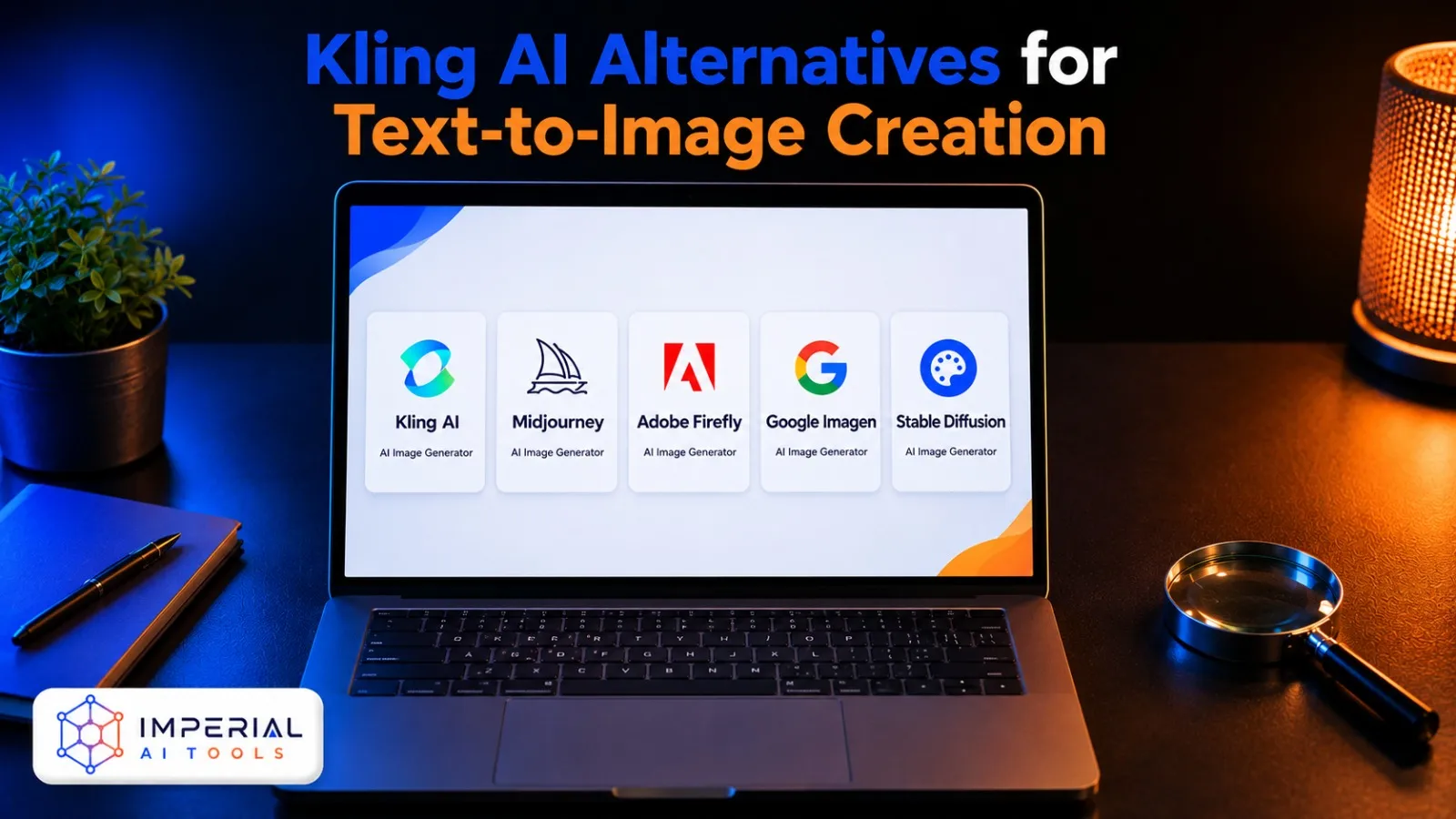
No single model wins on everything. These are the closest options when Kling AI does not fit.
| Tool | Best for | Free plan |
|---|---|---|
| Midjourney | Distinctive artistic and stylised output | No |
| Adobe Firefly | Commercially safe training data and Creative Cloud workflows | Yes, limited |
| Google Imagen | Prompt accuracy and reliable text rendering | Yes, limited |
| Leonardo AI | Game and concept art with fine model control | Yes, daily credits |
| Stable Diffusion | Local and open-source deployment | Yes, self-hosted |
Compare them on four things only:
- Prompt adherence
- Does the render match what you actually asked for?
- Reference support
- How many references, and how well are they respected?
- Editing depth
- Region edits, or regenerate-and-hope?
- Commercial terms
- What does the licence allow on your plan?
More options sit in our AI tool alternatives library and the wider AI tools directory.
Honest Verdict
The Kling AI text-to-image system is a strong fit for creators pairing stills with AI video, marketers who need many variations of one approved concept, and teams that depend on reference-driven consistency across a set. The reference control, Series Mode and region-level editing are the real differentiators, not the raw image quality.
Choose something else when typography is central to the design, when you need local or open-source deployment, when flat-rate pricing suits your budget better than credits, or when manual design control matters more than AI integration. Test the free tier on your actual use case before paying. One afternoon of real prompts tells you more than any review, including this one.
Frequently Asked Questions
Create a free Kling AI account and you receive daily credits that reset every 24 hours and do not roll over. That covers a small number of test images per day. Free output carries a watermark and does not include commercial rights, so it suits learning and evaluation rather than client work.
Short words and simple labels often render correctly. Longer strings frequently pick up typos and spacing errors, which is the most widely reported weakness of the Kling AI text-to-image models. For posters, packaging or anything typography-led, generate the image first and add the text in a design tool afterwards.
Kling AI accepts standard web image formats for references, with JPG and PNG being the safest choices. File size and dimension limits are enforced at upload and vary by model version. If an upload is rejected, resave the file as a standard JPG at a smaller size and try again.
Yes. Kling AI offers iOS and Android apps alongside the web platform, and image generation is available in both. The mobile apps suit prompting and quick reviews. Detailed reference setups and multi-image editing are easier on desktop, where you can see fine detail before approving a render.