Finding the best free AI tools for digital marketing sounds easy until you actually sign up and hit a watermark, a three-day file deletion, or a “free” download that turns out to be preview quality. I have run marketing on a shoestring budget myself, so this guide cuts through the marketing gloss and ranks seven tools that genuinely earn a place in a zero-cost stack. Every price and every free plan limit below was checked in July 2026, not copied from an old roundup.
The best free AI tools for digital marketing each solve one real job well: design, video, research, customer data, or image cleanup. No single free tool covers all of them, so most people run two or three together. This guide is written for solo marketers, small business owners, and lean teams who want output on day one without handing over a card. Free tools can carry you far for content, design, and light analytics but once SEO becomes a real growth channel, you’ll likely outgrow them. If you’re evaluating a paid step-up, our ahrefs pros and cons breakdown shows exactly what you get for the investment.
Quick Answer
Canva is the best overall pick among the best free AI tools for digital marketing, because one free account covers graphics, video, and social scheduling. HubSpot CRM is the strongest genuinely free pick for lead and email work, since the core CRM stays free for unlimited users. Perplexity is the best free option for market research.
Key Takeaways
- Best overall free tool
- Canva, for the widest range of marketing jobs in one place.
- Best truly free tool
- HubSpot CRM, free forever for unlimited users on the core CRM.
- Best for beginners
- Adobe Express, which keeps its plan structure simple at free or Premium.
- Most expensive to scale
- HubSpot, where Marketing Hub Professional jumps to roughly $890 per month.
- Biggest category limitation
- Most free AI marketing tools cap output quality, add watermarks, or expire your files, so read the free tier limits before you build a workflow on one.
Comparison Table: Best Free AI Tools For Digital Marketing
| Tool | Best for | Starting paid price | Free plan | Best fit tag |
|---|---|---|---|---|
| Canva | All round marketing design | $15 to $18 per month (Pro) | Yes, permanent | Best overall |
| HubSpot CRM | Leads, contacts, email | $7 to $20 per seat per month | Yes, unlimited users | Best truly free |
| Perplexity | Market and competitor research | $10 to $20 per month | Yes, daily limits | Best for research |
| CapCut | Short form social video | $9.99/month (Standard) | Yes, with limits | Best for video editing |
| Adobe Express | Quick branded content | $9.99/month (Premium) | Yes, 25 AI credits/month | Best for beginners |
| OpusClip | Turning long video into clips | $15/month (Starter) | Yes, 60 minutes/month | Best for repurposing |
| Remove.bg | Product image cutouts | Paid credits required | Preview quality only | Most limited free tier |
1. Canva: Best Free AI Tool for Marketing Design

Best for marketers who need one tool to cover graphics, video, and social posts.
Canva is an online design platform for people who are not designers. You pick a template, drag things around, and export. Its AI features, grouped as Magic Studio, write text inside designs, generate images, and resize a design for several platforms at once.
Features that matter for marketing
- Templates for social posts, ads, presentations, and documents.
- Magic Write, which drafts caption and headline text inside the design.
- Magic Resize, which reshapes one design for several placements.
- A built in content planner for scheduling social posts.
The free plan and its real limits
Canva Free includes over 1.6 million templates, 5GB of storage, real time collaboration, and basic AI use. The limits are storage, premium stock assets, brand kits, background removal, and a small monthly allowance of AI credits.
Honest limitation: background removal is a Pro feature in Canva. If image cutouts are your main job, Canva Free will not do it, and you will need a second tool.
My experience: I planned a full week of social posts around Magic Studio once and burned through my monthly AI credits by Wednesday. What nobody warns you is that the credits are separate from the templates, so the design side kept working while the AI generation just quietly stopped. Now I sketch which images actually need AI first, and generate those in one batch instead of clicking generate every time an idea pops up. Canva sells a separate AI add-on for heavy users, but I have never found the free allowance worth topping up once I stopped wasting it.
2. HubSpot CRM: Best Truly Free AI Marketing Tool

Best for storing leads and running basic email marketing without paying anything.
HubSpot CRM is a customer database. A CRM, or customer relationship management tool, keeps every contact, company, and deal in one place so you stop tracking leads in a spreadsheet. HubSpot sells paid marketing and sales products on top of that free core.
Features that matter for marketing
- Contact, company, and deal records with no contact storage fee for non marketing contacts.
- Email marketing sends, forms, and live chat on the free tier.
- Meeting scheduling and email tracking, useful as free AI tools for sales work.
- Deep integration with the wider HubSpot ecosystem when you grow.
The free plan and its real limits
The free tier is a real product, not a trial. The limits are HubSpot branding on your emails and forms, simple automation only, and a cap on marketing contacts. Removing branding requires a paid plan.
Honest limitation: the price gap between Starter and Professional is severe. Marketing Hub Professional is roughly forty times the Starter price, and Professional and Enterprise plans commonly carry a one time onboarding fee running into thousands of dollars. Plan for that cliff before you build your whole marketing stack here.
My experience: I moved my contacts off a messy spreadsheet into HubSpot’s free CRM and it was a relief for about a month, until I tried to build an automated follow-up sequence and realised that lives behind a paywall. My honest takeaway: treat the free tier as the place your leads live, not as your marketing robot. I kept HubSpot as the contact database and ran my simple email automation through a separate free tool, and that combination held up far longer than I expected before I ever thought about paying.
3. Perplexity: Best Free AI Tool for Market Research

Best free tool for market research and competitor checks that need sources; for continuous discovery between manual searches, NBot AI monitoring for market and competitor updates can keep watch automatically.
Perplexity is an answer engine. It searches the live web, writes an answer, and cites the pages it used. Those citations make Perplexity useful for marketing research, because you can open the source and check the claim instead of trusting the summary.
Features that matter for marketing
- Cited answers, so competitor and pricing claims can be verified.
- Deep Research for longer multi source reports.
- Spaces, which keep an ongoing research thread on one topic.
- The Comet browser, which became free to all users in 2026.
The free plan and its real limits
Perplexity Free gives unlimited basic searches with citations, plus a small daily allowance of Pro Searches and Deep Research queries. File uploads are limited. Frontier AI models are reserved for paid tiers.
Honest limitation: the free daily caps are low, commonly reported at a handful of Pro Searches per day. A single afternoon of serious competitor research will use them up.
My experience: the first time I sat down to do proper competitor research on Perplexity, I blew through my daily Pro Search allowance in one afternoon and got locked out of the good stuff right when I was in flow. It stung. Since then I hold the deep, sourced queries for the two or three questions that genuinely need citations, and let plain search answer everything else. Planning around the daily reset instead of chasing a total turned Perplexity from a frustrating tease into something I open every single morning.
4. CapCut: Best Free AI Video Editor for Social Marketing
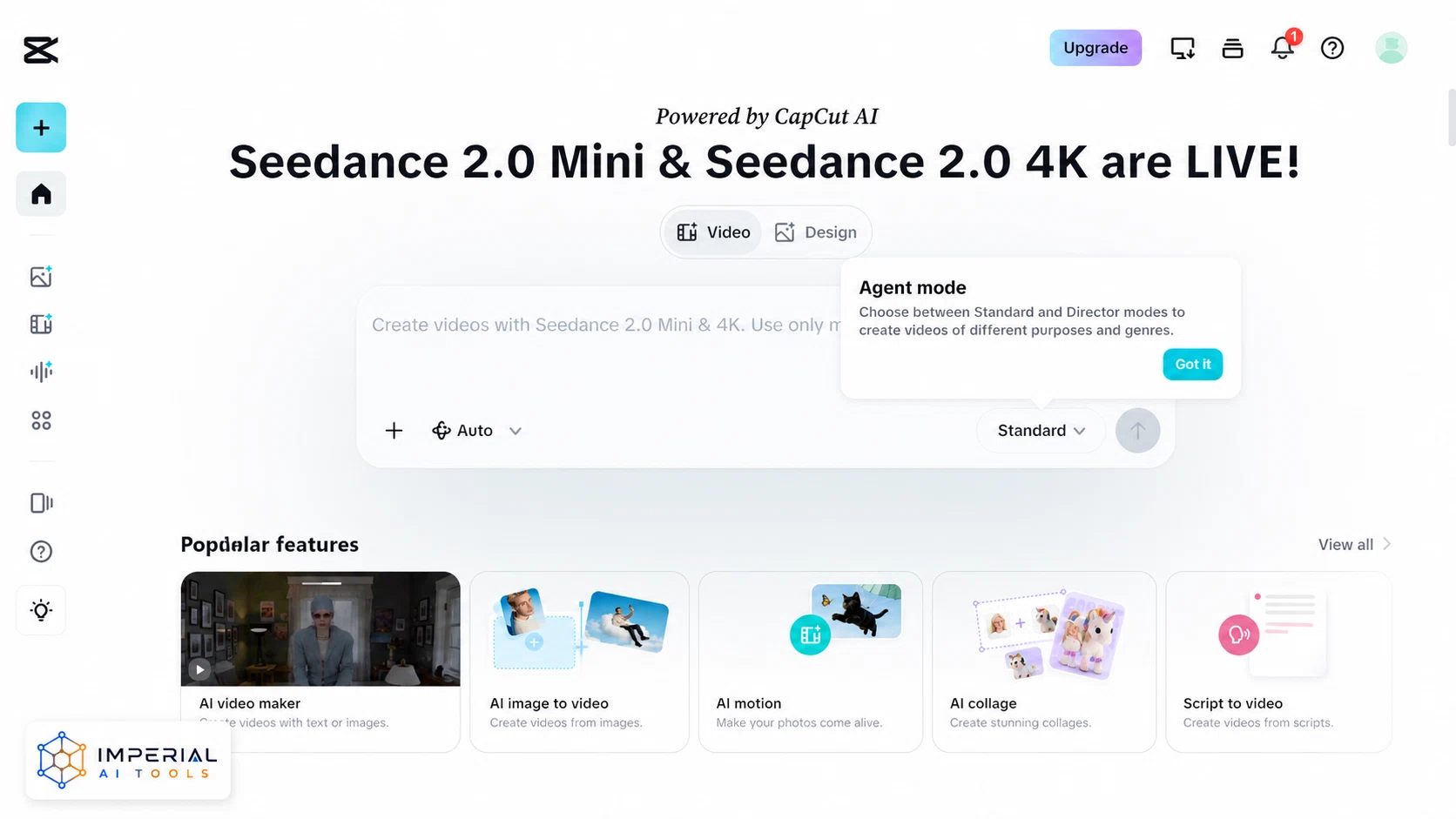
Best free video editor for social first marketing content.
CapCut is a video editing app owned by ByteDance, running on phone, desktop, and web. For marketers producing short vertical video, the free tier covers a full editing workflow rather than a stripped demo.
Features that matter for marketing
- Multi track timeline, cutting, keyframes, and green screen on the free tier.
- Auto captions, which matter because most social video is watched without sound.
- A large template library for trend led formats.
- Basic AI voiceover through text to speech.
The free plan and its real limits
Free exports cap at 1080p. Templates and effects marked Pro carry a watermark until you subscribe. CapCut restructured its plans between late 2025 and early 2026, moving more AI features up a tier and discontinuing the free cloud storage allowance.
Honest limitation: the licensing on CapCut’s built in music is the real trap, not the watermark. CapCut’s terms grant no rights to its own sound recordings and musical works, so using its stock music in a client or commercial video is a licensing problem on any plan, free or paid. Use your own licensed audio for paid work.
My experience: I once spent an evening editing a client reel in CapCut, felt pleased with it, and then a watermark slapped itself across the export because the template I had built on got reclassified as Pro in the 2025 restructure. I had to rebuild the whole thing on a free template. Now the first thing I do before touching a timeline is check the little label on every template and effect. The other lesson I learned the hard way: never use CapCut’s built-in music in paid work, because the licence simply is not yours to hand to a client.
5. Adobe Express: Best Free AI Tool for Beginners
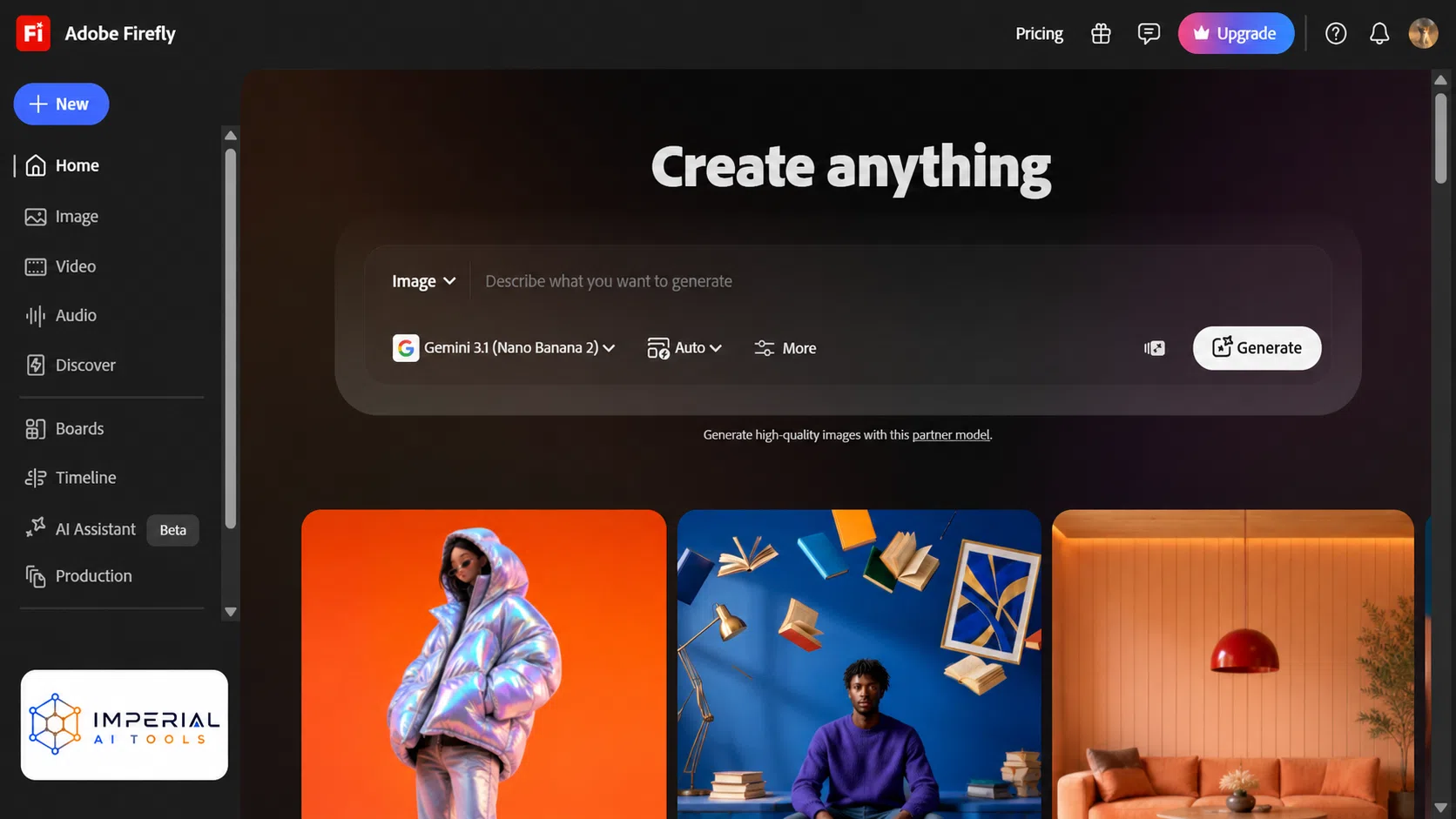
Best for beginners who want simple pricing and Adobe’s image generation.
Adobe Express is Adobe’s quick design tool. It sits well below Photoshop in complexity and targets the same job as Canva: fast social posts, flyers, and short videos built from templates.
Features that matter for marketing
- Over 100,000 templates for social and print formats.
- Firefly generative AI for image creation and object removal.
- Background removal, resize, and PDF tools in one place.
- Scheduling to one social account per network on the free tier.
The free plan and its real limits
The free tier includes roughly 25 generative AI credits per month, 1 million royalty free Adobe Stock assets, 5GB of storage, and thousands of fonts. When the AI credits run out mid month, generative features stop until the cycle resets.
Honest limitation: 25 AI credits per month is a small allowance. If image generation is central to your campaigns, you will hit that ceiling in the first week.
My experience: I nearly paid for Express Premium before a friend pointed out I already had it. I was paying for Adobe’s Photography plan for Lightroom, and Express Premium was quietly bundled in the whole time. So before you hand over $9.99 a month, log into your Adobe account and check what you already own. On the free plan itself, the 25 monthly AI credits vanish fast if you lean on image generation, so I save Firefly for the one hero image a post actually needs and build the rest from the free templates.
6. OpusClip: Best Free AI Tool for Repurposing Video
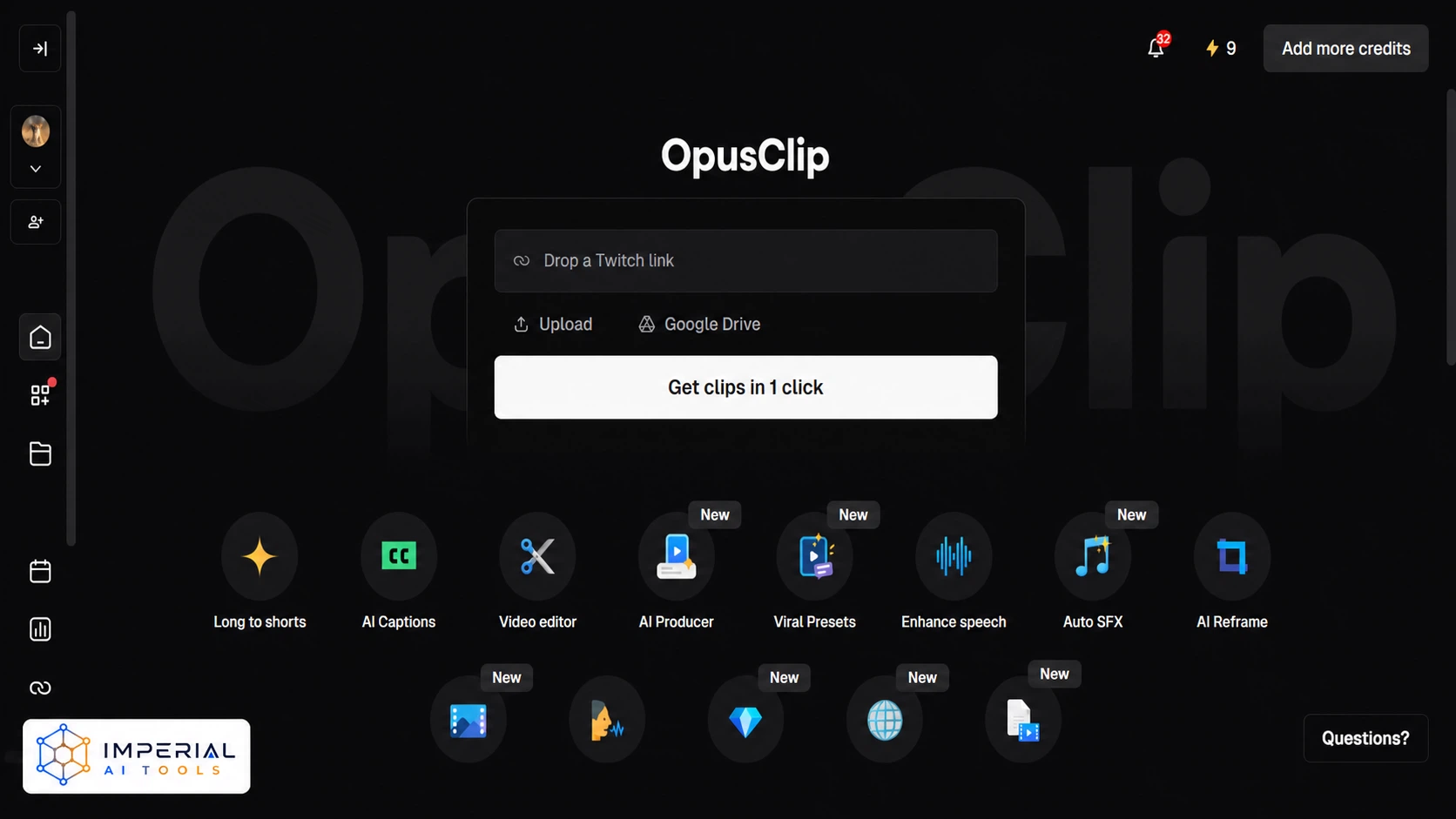
Best for turning one long video into many short clips.
OpusClip, often written Opus Clip, cuts a long video into short vertical clips automatically. It reframes the shot to follow the speaker and adds captions. For marketers sitting on webinars or podcasts, it is the fastest route to social content.
Features that matter for marketing
- Automatic clip selection from long form video.
- Auto reframe to vertical for Reels, Shorts, and TikTok.
- AI captions with keyword highlighting.
- A social scheduler on higher paid tiers.
The free plan and its real limits
The free tier gives 60 credits per month, which is 60 minutes of source footage. Exports carry a watermark, output caps at 1080p, and clips are deleted after three days.
Honest limitation: on the free plan you can only upload a local file. Importing straight from a YouTube or Vimeo link starts on the paid Starter tier, so free users must download and re upload their own video first.
My experience: I fed a podcast episode into OpusClip, got a batch of clips I was happy with, and told myself I would schedule them out over the following week. When I came back four days later, they were gone. The free tier deletes exportable clips after three days, and I had not read the small print. Lesson learned: I now download every clip in the same session I generate them, before I close the tab. Treat OpusClip as a one-sitting job, not a project you drift back to, and the free 60 minutes a month goes a lot further.
7. Remove.bg: Free AI Background Remover (With a Catch)
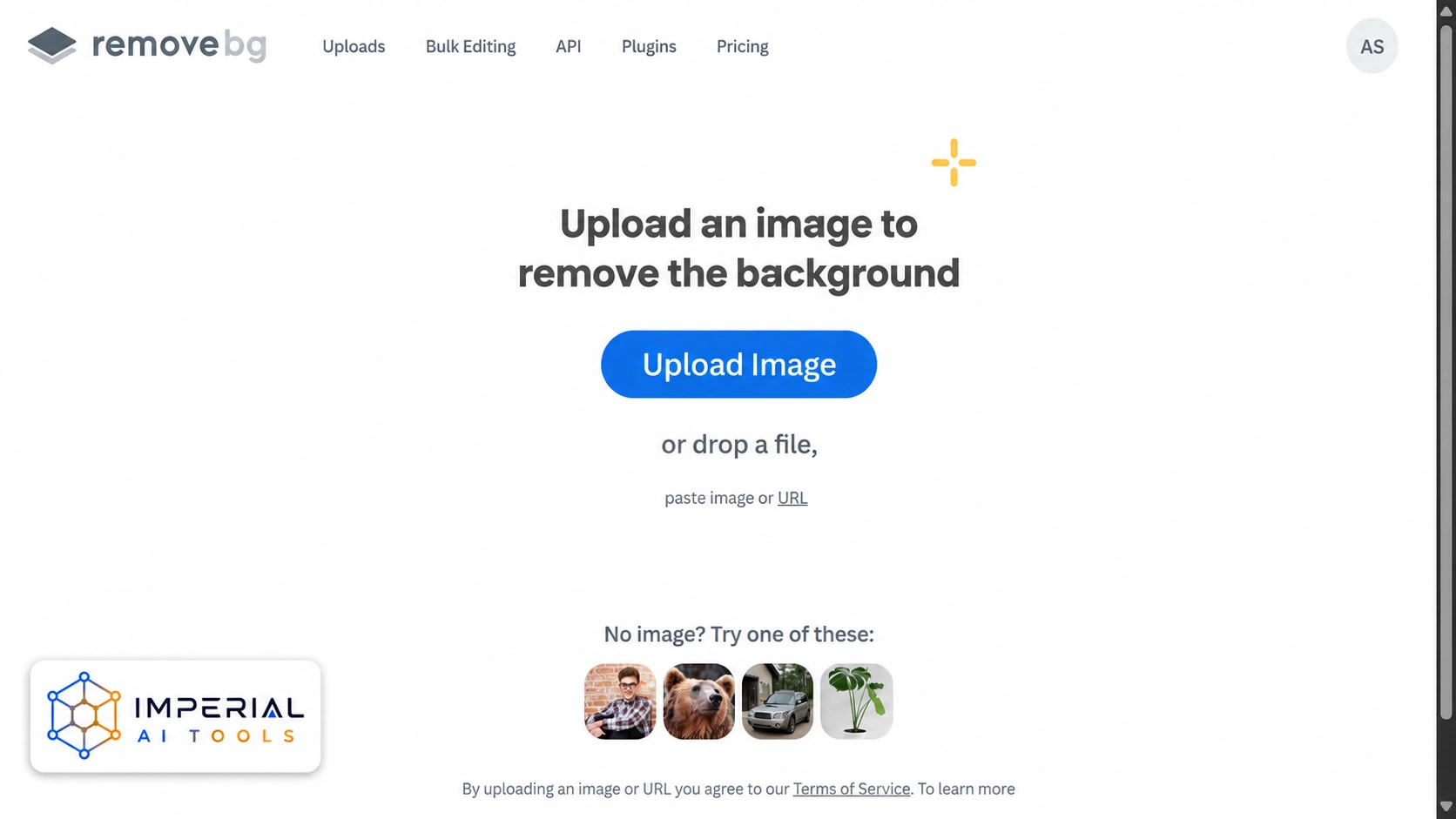
Best for one click product cutouts, if you accept that usable output is paid.
Remove.bg strips the background out of an image automatically. It is the best known tool in its category, owned by Canva, and its output on difficult edges like hair and fur is still strong.
Features that matter for marketing
- One click background removal for product photos.
- Transparent PNG output suited to marketplace listing rules.
- An API for automating large product catalogues.
- Integrations with common design software.
The free plan and its real limits
This is where Remove.bg differs from every other tool on this list, and where most guides get it wrong. The free tier lets you process images and preview the result, but the free download is low resolution preview quality. Full resolution output consumes a paid credit.
Honest limitation: Remove.bg is not genuinely free for commercial use. Any guide that lists it as a free marketing tool without stating the preview resolution limit is giving you an image you cannot publish. A further gotcha reported by users: a failed removal, where the AI cannot find a clear subject, still consumes a credit.
My experience: I got caught out by Remove.bg twice. First when I downloaded a “free” cutout and found it was too low-resolution to actually publish, and again when a tricky product photo failed to process cleanly but still ate one of my paid credits. Now I treat the free preview as a quality test and nothing more. Before I spend credits on a whole product range, I run a single representative image through the preview to see how the tool copes with that specific product type. If the edges look rough on the sample, it will waste credits on the batch, and I go elsewhere.
What Are Free AI Marketing Tools?
Free AI marketing tools use artificial intelligence to do marketing work, and let you use a real version of the product without paying. Artificial intelligence here means the software can generate, edit, or analyse content on its own instead of waiting for you to do every step by hand.
There are two kinds of free, and mixing them up costs money.
- A free plan. This lasts forever. You can use it every month without paying. It has limits on volume, quality, or features.
- A free trial. This lasts a set number of days. After that, you pay or lose access. A trial is not a free tool a good illustration is Kittl’s permanent free plan versus a timed trial, where the design tool skips the countdown entirely.
Free AI marketing tools usually fall into one of five jobs: design (Canva, Adobe Express), video (CapCut, OpusClip), research (Perplexity), customer data (HubSpot CRM), or image cleanup (Remove.bg). Some tools stretch across categories; HubSpot CRM, for example, now bundles Breeze AI for email drafting alongside its free contact database, but none of the tools on this list do all five jobs well, which is why most marketers run two or three side by side rather than hunting for one tool to replace the whole stack.
The category also includes AI writing tools like ChatGPT and Copy.ai, and AI-assisted SEO tools like AnswerThePublic and AIOSEO’s free audit, both worth knowing about even though they’re outside the design, video, research, and CRM jobs this guide focuses on. If content generation or on-page SEO is your main gap, start there instead. If you want a broader shortlist before choosing, browse AI tools for marketing and productivity in The AI Library.
Are free AI marketing tools actually free?
Only if they’re a free plan, not a free trial. A free plan has no end date; HubSpot CRM’s core plan and Canva’s free tier both work indefinitely, with limits on volume or features rather than time. A free trial runs out, usually in 7 to 14 days, and then the tool either locks or starts billing you. Before you build a workflow around any “free AI marketing tool,” check whether the free tier is permanent or time-boxed; the free plan vs. free trial distinction above is exactly how to tell the difference.
Which free AI marketing tool should you pick?
The best free AI tools for digital marketing rarely work alone, so most of these picks pair naturally with one or two others depending on the job in front of you.
- Best for beginners
- Adobe Express, because the plan structure is only free or Premium and there is nothing to decode.
- Best free option overall
- HubSpot CRM, because the free core has no user cap and no expiry.
- Best for social media marketing
- Canva for the graphics, CapCut for the video.
- Best for email marketing
- HubSpot CRM, since forms, contacts, and sends sit on the free tier.
- Best for market research
- Perplexity, because every answer carries sources you can open.
- Best for affiliate marketing
- Canva plus OpusClip, covering review graphics and clip output on two free plans.
- Best for e-commerce product images
- Remove.bg, but budget for credits, because the free output is preview quality.
Common Mistakes To Avoid
- Treating every tool labelled free as equally free. Remove.bg is the clearest example. Many roundups list it beside Canva as a free tool, without saying the free download is preview resolution. Read what the free plan actually lets you export.
- Ignoring music and asset licensing. Using CapCut’s built in music in client work is a licensing problem regardless of which plan you are on. The subscription pays for the software, not the rights to the audio.
- Building a workflow on a tool that deletes your files. OpusClip’s free tier removes exportable clips after three days. Download in the same session.
- Choosing a platform without checking the next tier up. HubSpot’s free CRM is excellent, but the jump from Starter to Marketing Hub Professional is roughly forty times the price, plus onboarding fees. Know the ceiling before you commit your data.
The Imperial AI Tools take
Canva is the best overall free AI tool for digital marketing in 2026, not because it wins any single category, but because one free account covers design, basic video, and scheduling. For a solo marketer that consolidation is worth more than best in class output. HubSpot CRM is the best genuinely free pick, since the core CRM has no user cap and no expiry date, which is rare.
The honest caveat for the category is this: the best free AI tools for digital marketing are, ultimately, lead generation for paid plans, and the limits are designed to be hit. Watermarks, credit caps, low resolution exports, and file deletion are not oversights, they are the business model. Choose the tool whose limit you can live with, not the one with the loudest free label.
Frequently Asked Questions
Yes. AI is widely used in digital marketing for writing copy, generating images, editing video, cutting long video into clips, researching competitors, and managing contact data. The free AI tools for marketing listed in this guide cover all six of those jobs without a subscription.
Canva Free is permanent and covers most marketing design tasks, including over 1.6 million templates and 5GB of storage. Background removal, brand kits, and premium stock assets require Canva Pro at about $15 per month. Verified nonprofits and K-12 teachers can apply for free Pro level access.
Ask Perplexity a specific question about your industry, then open the cited sources to verify each claim before using it. Perplexity’s Spaces feature keeps an ongoing research thread on one topic, which suits competitor tracking. The free tier limits advanced research queries to a few per day.
Search Canva by output type rather than by look, for example “Instagram carousel” or “Facebook ad”, then filter results to free templates only. Canva Free includes over 1.6 million templates. Premium templates are marked with a crown icon and require Canva Pro to export.
Adobe Express has a permanent free plan that includes over 100,000 templates, 1 million Adobe Stock assets, 5GB of storage, and roughly 25 generative AI credits per month. Adobe Express Premium costs $9.99 per month and is bundled into most Creative Cloud subscriptions at no extra charge.
Upload a long video to OpusClip, and it selects clip worthy sections, reframes them vertically, and adds captions automatically. On the OpusClip free plan you must upload a local file, since importing from a YouTube link starts on the paid Starter tier, and you must download clips within three days.